


 PsFiles Designer
Today, we are sharing 7 Free Softcover Square Children’s Book Mockup PSD Files, designed to help you create realistic and professional visualizations of your book projects. These high-resolution mockups provide a perfect way to showcase illustrations, cover designs, and page layouts with a uniform and convincing impression. Ideal for portfolios, online stores, and marketing materials, these PSD files allow for easy customization via smart objects. Download now and present your children’s book in the most captivating way possible!
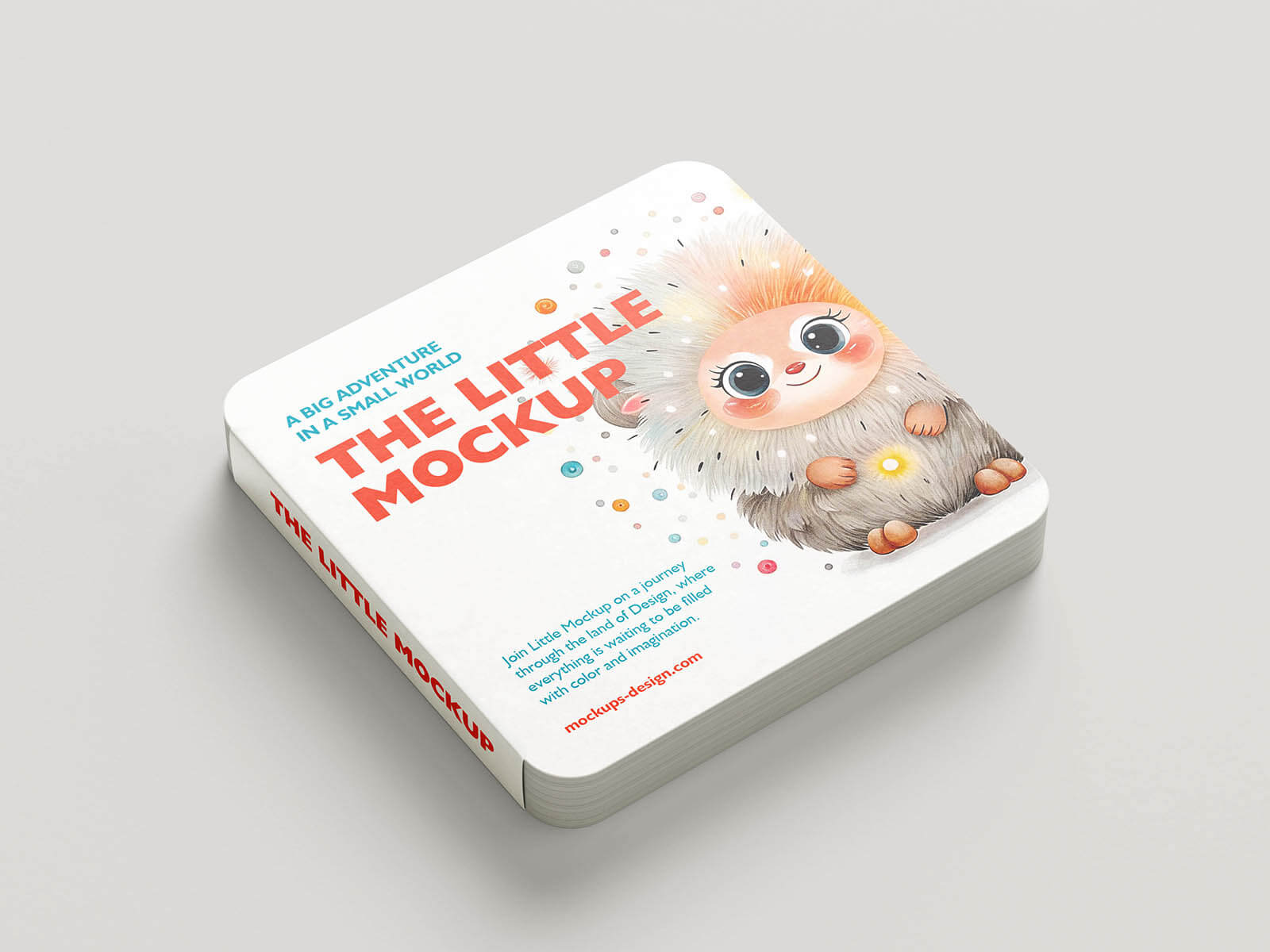
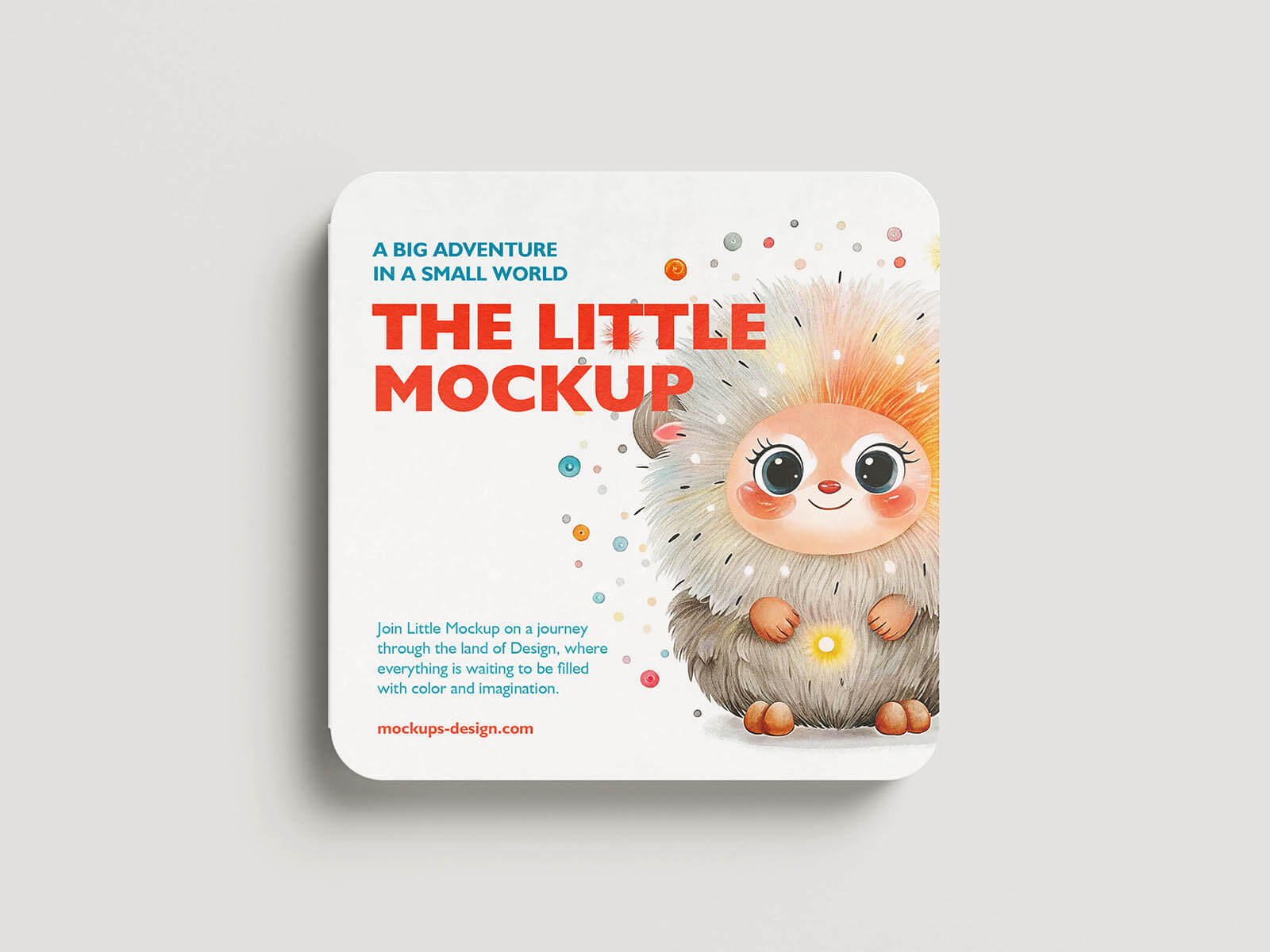
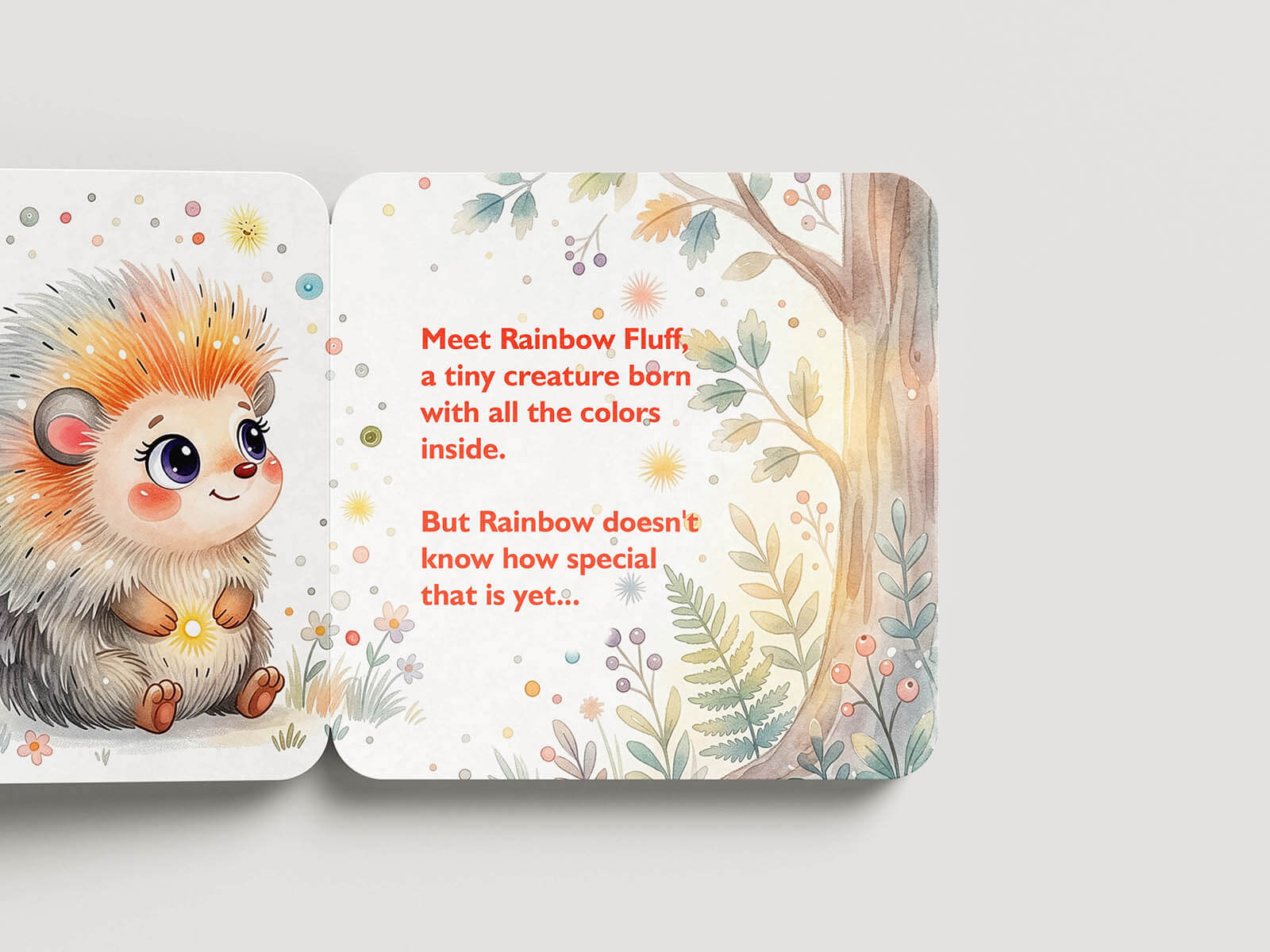
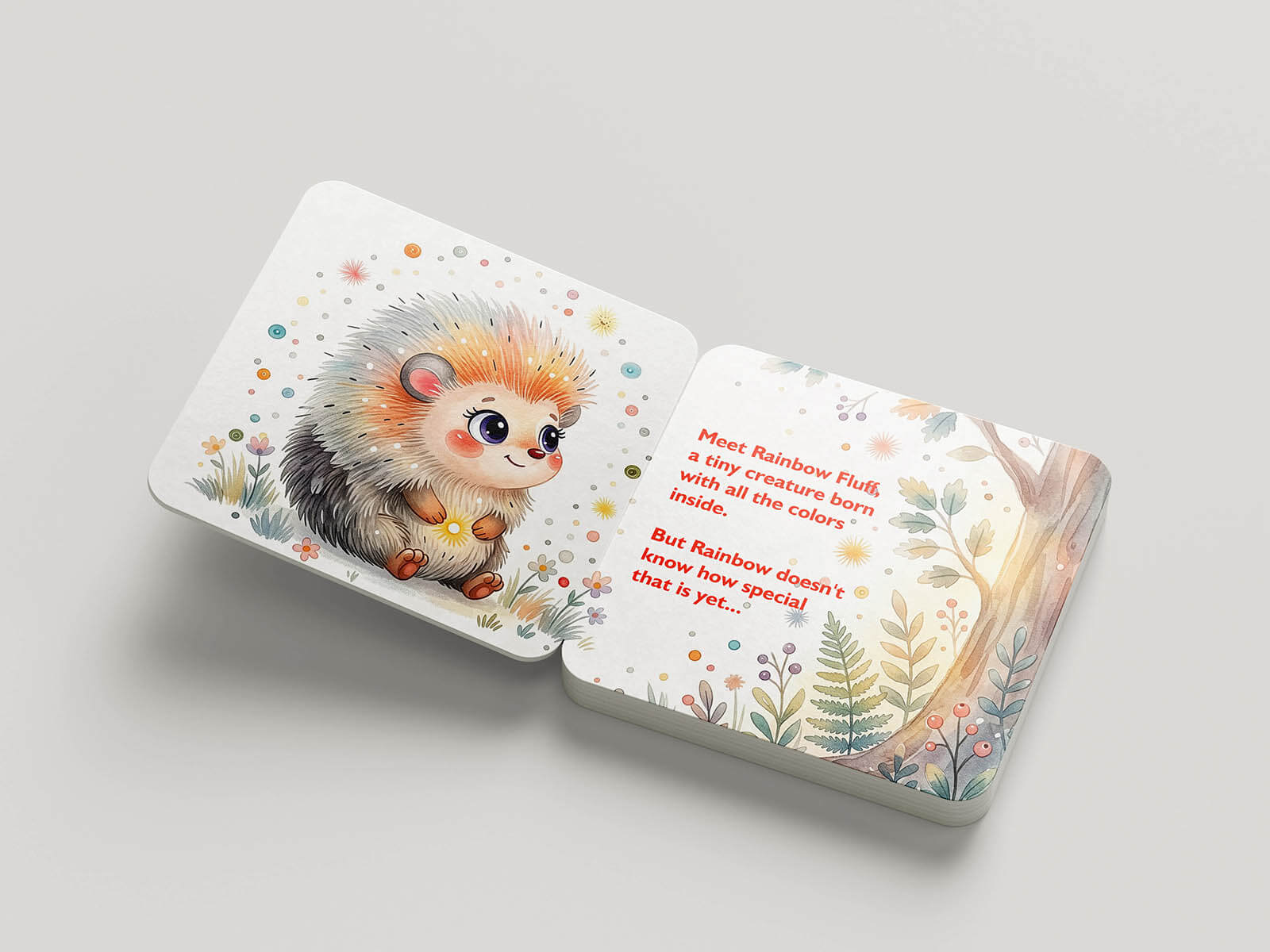
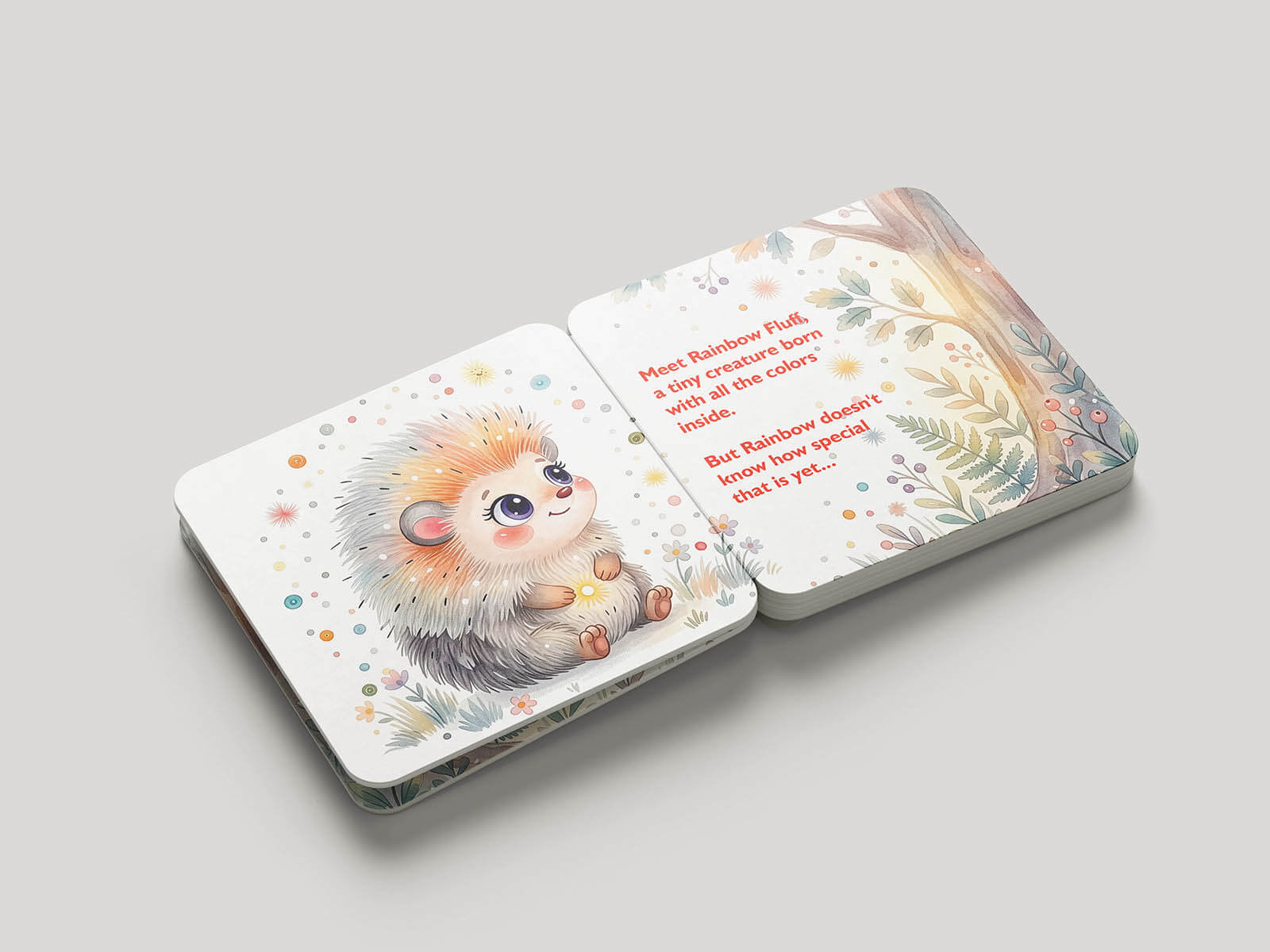
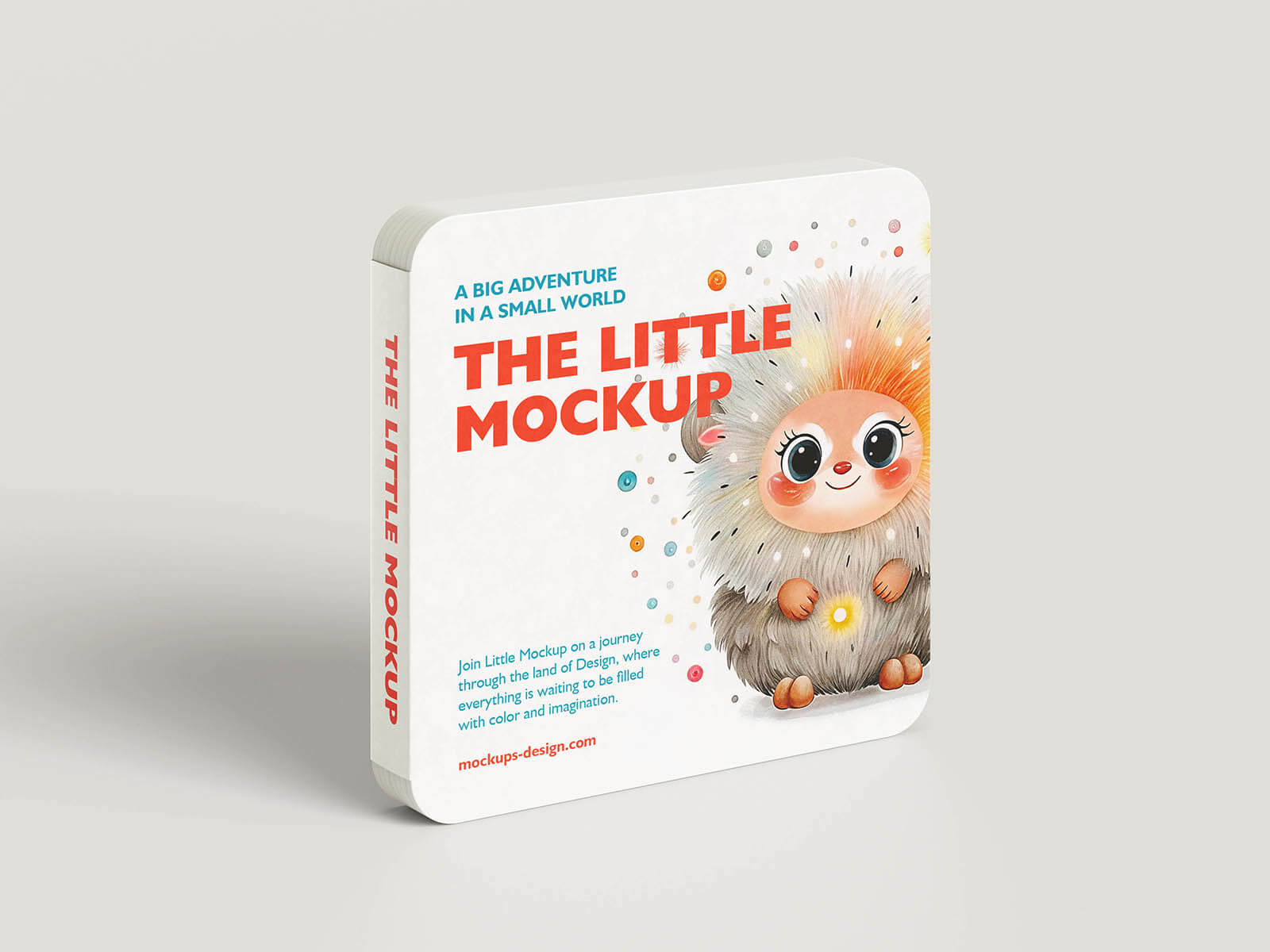
Today, we are sharing a children’s hard pages square board book mockup set available in PSD format. Place your artwork on a smart object and get a realistic outcome.
Presenting a children’s book design professionally can be difficult without realistic preview scenes or expensive photography. This Children Book Mockup PSD helps illustrators, self-publishers, and book cover designers showcase storybooks with realistic page layouts, soft lighting, and polished print-ready presentation in minutes.
The template features multiple angles of a square children’s book including the front cover, spine, and inside pages with adorable illustration previews. It’s perfect for authors, publishing studios, Etsy printable sellers, Amazon KDP creators, and graphic designers creating colorful children’s storybooks in 2026.
What’s Included in This Free Template
- 6 fully layered PSD mockup template
- Multiple children book presentation angles
- Editable front cover, spine, and inside pages
- Smart object layers for quick artwork replacement
- High-resolution print-ready mockup design
- Realistic lighting, page depth, and shadows
- Organized and labeled Photoshop layer groups
- Editable background and book design elements
- Compatible with Photoshop CS6, CC, and all 2024/2025 versions
File Info:
- Dimensions: 4000 x 3000 px
- Available Format: Smart Layered PSD files
- License: Free for your personal and commercial use
- File Size: 263 MB
- Download file type: Zip
- Author: mockups-design
- To use these PSD files you need Adobe Photoshop
How to Use This Template in Photoshop
- Download and unzip the PSD mockup template file to your computer.
- Open the PSD file in Adobe Photoshop CS6, Photoshop CC, or newer versions.
- Find the smart object layers for the book cover and inner page designs.
- Double-click the smart object thumbnail to open the editable canvas.
- Insert your children’s book artwork, title, or illustrations into the layout.
- Save the smart object file and return to the main preview automatically.
- Customize colors or shadows if needed to match your branding style.
- Export the final presentation as JPG or PNG for portfolios, client previews, or online marketplaces.
💡 Pro Tip: Use bright colors and bold typography on children’s book covers to improve visibility on Amazon KDP, Etsy, and online bookstores.
Who Uses This Template — Real-World Use Cases
- Children’s Book Authors — Self-publishing authors create realistic previews for Amazon KDP and online bookstores.
- Book Cover Designers — Graphic designers showcase illustrated covers and storybook layouts professionally for clients.
- Publishing Studios — Publishing agencies use book mockups for marketing campaigns and author presentations.
- Etsy Shop Owners — Digital product sellers display printable children’s books and educational products attractively.
- Illustrators & Artists — Freelance illustrators present colorful storybook concepts in Behance portfolios and social media.
- Social Media Managers — Marketing teams create engaging Instagram and Facebook promotional graphics for book launches.
- Educational Brands — Learning product creators showcase activity books, preschool materials, and educational storybooks.
Frequently Asked Questions
Is this Children Book Mockup PSD free for commercial use?
Yes, this Children Book Mockup PSD is free for both personal and commercial use. You can use it for publishing presentations, portfolio projects, Etsy listings, educational branding, and client work without extra licensing fees.
What Photoshop version do I need to edit this PSD?
The mockup works with Adobe Photoshop CS6, Photoshop CC, and all supported 2024 and 2025 versions. Smart object layers and editable page designs remain fully compatible in current Photoshop releases.
How do I replace the book cover design in the mockup?
Open the smart object layer inside the PSD file, place your artwork or typography into the editable area, and save the file. Your cover design automatically updates across the realistic book presentation scenes.
Can I use this book mockup without Adobe Photoshop?
You may be able to edit the PSD using Photopea or Affinity Photo, but Adobe Photoshop provides the best support for smart objects, layered effects, and high-resolution page rendering. Some advanced effects may not display correctly in other software.
Is this template suitable for Amazon KDP and Etsy book previews?
Yes, this children’s book mockup works perfectly for Amazon KDP listings, Etsy digital products, educational publishing, and promotional branding materials. The realistic presentation helps books look more professional and market-ready.
Professional mockup presentations can instantly improve the perceived value of children’s books and publishing projects. Download this free Children Book Mockup PSD below and create beautiful storybook previews for your next creative release.