



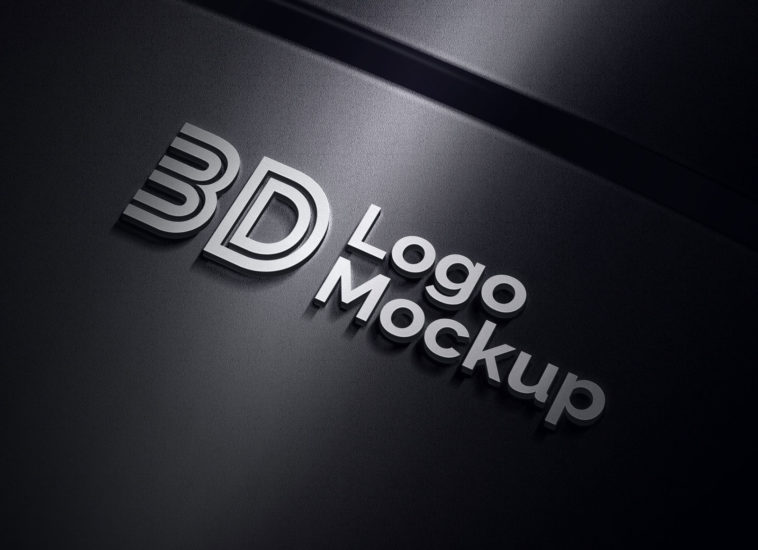
A premium quality 3D logo mockup is available in PSD format. This mockup can be used to display typography or logomark for tech-based companies. If you would like to change the color of typography then follow these steps. Expand the “logo effects” folder and select the first layer. Right-tap on the first layer to bring blending option then choose “color overlay” from the left menu. In color overlay settings you will see blend mode (normal), change it to multiple and apply a light color of your choice. You will see the changes on the mockup. For more high-quality logo mockups check out our branding section and do not forget to subscribe and receive free email updates.
File Info:
- Available Format: Well Organized .psd files
- Dimensions: 2000 x 1500 px
- License: Free for personal and commercial use
- File Size: 11.2 MB
- Download file type: Zip
- Source: Free Design Resources
- To use these PSD files you need Adobe Photoshop
Instructions:
1. Minimum Ps version requirement: CS6
2. Double click on the smart object layer
3. Place your design/type on that smart layer
4. Save that window
5. Enjoy the design