


 AbduDzyn
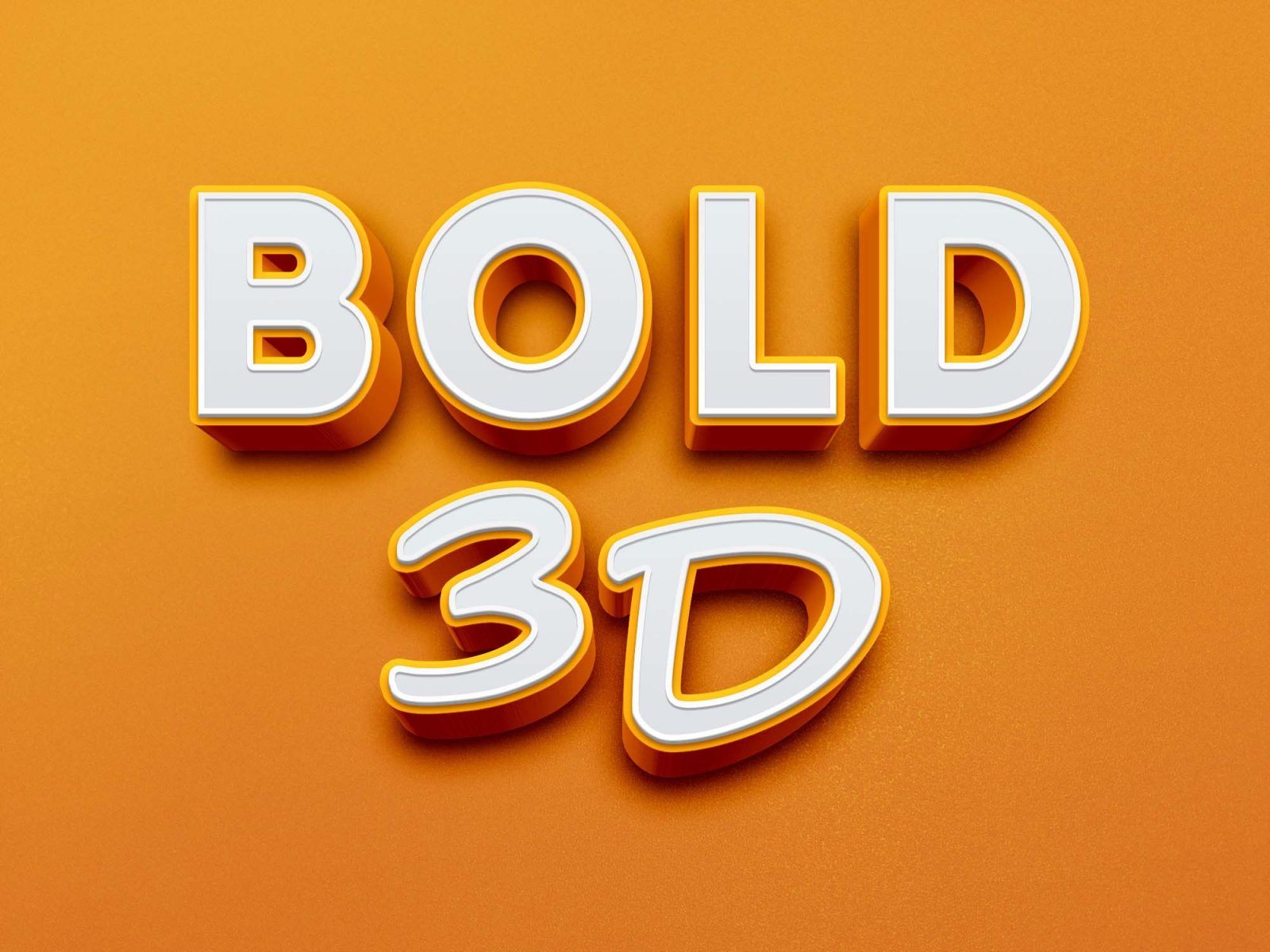
This is a striking and original 3D Photoshop PSD text effect that will give your design extra depth and make it stand out. To apply this effect to your text or logo just edit the smart object.
Free Bold 3D Text Effect PSD — Thick Extruded Lettering Style
This free bold 3D text effect PSD creates thick, punchy extruded lettering with depth, shadow, and dimension. Ideal for YouTube thumbnails, social media headers, event posters, and sports graphics where you need text that jumps off the screen.
What’s included:
- Bold 3D text effect PSD file, fully layered
- Editable text — works with any word or phrase
- Extruded 3D depth with realistic shadow
- Customizable foreground and shadow colors
- Compatible with Photoshop CS6 and above
File Info:
- Available Format: Well Organized .psd files
- License: Free for personal and commercial use
- File Size: 4.9 MB
- Download file type: Zip
- Source: GraphicBurger
- To use these PSD files you need Adobe Photoshop
Best use cases:
- YouTube thumbnails — the #1 use case for bold 3D text worldwide
- Sports and esports graphics — team names, event titles, tournament brackets
- Social media posts — Instagram, Facebook, Twitter/X headers
- Event and concert posters
- Logo treatment and badge design
- Gaming channel art and stream overlays
How to customize the 3D color:
- Select the front face text layer → double-click → Layer Styles → Color Overlay
- Change to your brand color
- Select the extrusion/side layer → change to a darker shade of the same color
- Adjust drop shadow color to match
Frequently Asked Questions
Does this require Photoshop’s built-in 3D features? No. This PSD uses layer styles and manual extrusion layers — it does NOT require Photoshop’s 3D mode, which means it works on all Photoshop versions including CC plans without 3D enabled.
Can I make the text thicker or thinner? The thickness is controlled by the number of extrusion layers. To increase thickness, duplicate the side/extrusion layer and nudge it 1–2px in the extrusion direction.