


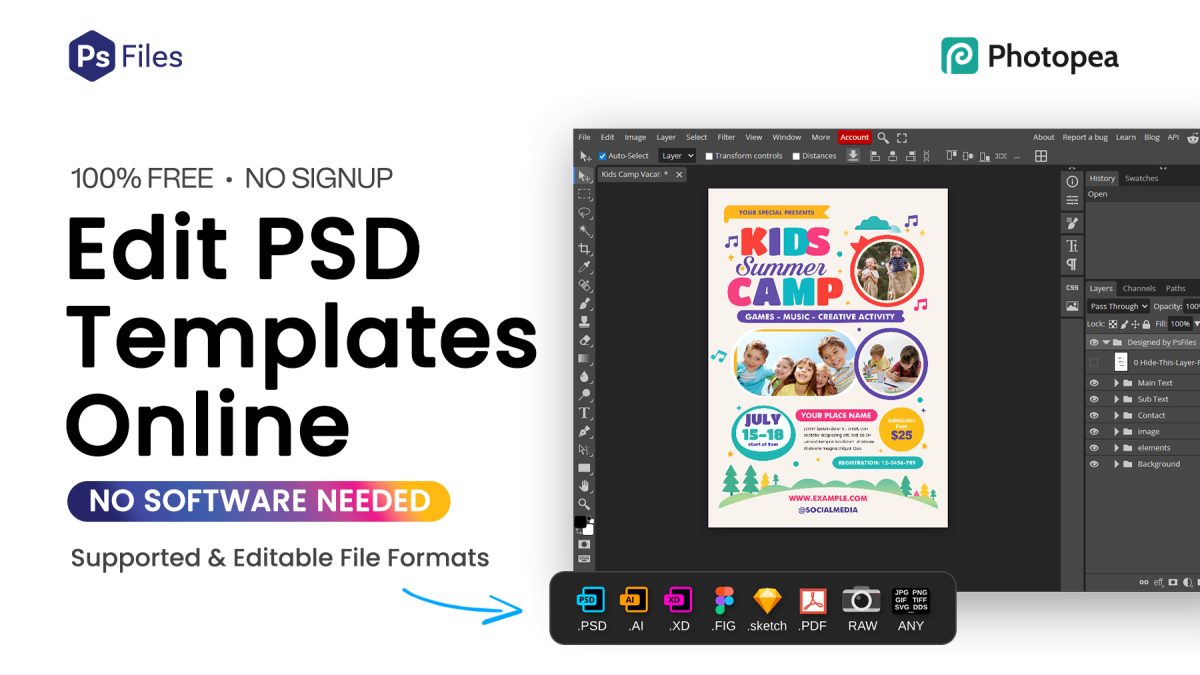
This the tool ☝
🎨 Edit PSD Templates Online Free – No Software Needed
Want to edit PSD files online without installing Photoshop?
This free online PSD editor lets you open, edit, and customize PSD templates directly in your browser — fast, easy, and completely free.
Whether you are a beginner, student, or professional designer, this tool works like Photoshop online and helps you edit designs instantly.
🖥️ Supported File Formats
📌 This online editor supports multiple design formats:
- PSD (Photoshop files)
- AI (Adobe Illustrator)
- XD (Adobe XD)
- FIG (Figma files)
- Sketch files
- PDF files
- RAW images
- JPG, PNG, SVG, GIF and more
👉 Perfect for designers working with different file types.

🚀 Why Use This Free Online Photoshop Editor?
As a designer, I personally recommend this tool for quick editing tasks.
✅ No Software Installation
You don’t need to install heavy software like Photoshop.
Everything works directly in your browser.
✅ 100% Free to Use
No subscription. No monthly cost.
Perfect alternative to expensive tools.
✅ Works on Any Device
- Laptop ✔️
- Desktop ✔️
- Tablet ✔️
- Mobile ✔️
👉 Edit PSD files anywhere, anytime.
✅ Fast & Lightweight
No lag like heavy software.
Open and edit files instantly.
✅ Beginner Friendly
Simple interface similar to Photoshop.
Even beginners can start editing easily.
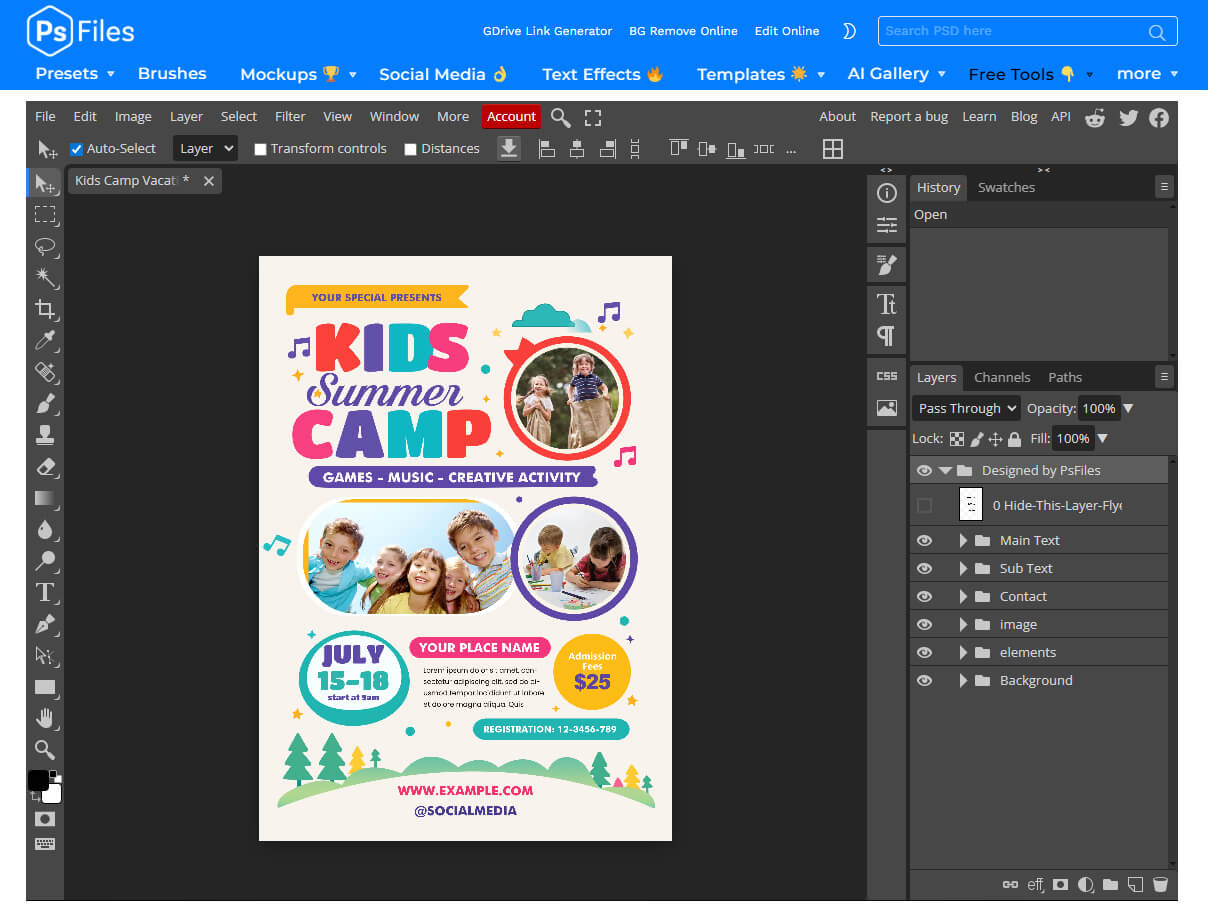
🛠️ How to Use This Online PSD Editor
Follow these simple steps:
1️⃣ Download PSD Template
📥 Download any PSD template or mockups from our website.
2️⃣ Extract the File
🗂️ Unzip the downloaded file to get the .PSD file.
3️⃣ Open in Editor
🖱️ Drag & drop the PSD file into the editor above
OR
Click “Open from Computer”
4️⃣ Start Editing
✨ Edit text, images, colors, and layers instantly. Click Full Screen icon for full view
💡 When to Use This Tool?
This tool is very useful for:
- Editing PSD mockups quickly
- Customizing social media templates
- Changing text in design files
- Quick design edits without Photoshop
- Opening PSD files on mobile
- Editing Adobe PDF files online
- Basic Illustrator (AI) file editing
- Opening and editing Figma files
- Saving files as PDF or different formats
- Converting file formats (PSD to JPG, PNG, PDF)
- Quick PDF edits and export options
👉 Especially helpful if you don’t have Photoshop or other design software installed.
🔥 Photoshop Online vs Installed Photoshop
| Feature | Online Editor | Installed Photoshop |
|---|---|---|
| Cost | Free ✅ | Paid ❌ |
| Installation | Not required ✅ | Required ❌ |
| Device | Any device ✅ | PC only ❌ |
| Speed | Fast for quick edits ✅ | Heavy software ❌ |
👉 For quick edits → Online is BEST
👉 For advanced work → Adobe Photoshop
🔎 Popular Search Keywords
edit PSD online, photoshop online free, edit PSD without photoshop, online photo editor free, edit photo online, photoshop online editor, edit image online free, open PSD file online, edit PDF online free, adobe PDF editor online, split PDF online, save as PDF online, convert PSD to JPG online, change file format online, illustrator file editor online, edit AI file online, edit figma file online, figma to PSD online, online image converter free
⚡ Final Thoughts
If you are looking for a fast, free, and easy way to edit PSD files online, this tool is one of the best solutions.
👉 No installation
👉 No cost
👉 Works on any device
Start editing your PSD templates instantly and save time in your workflow.