


The PSD file is one of the most important file formats used in the graphic design industry. If you work with Photoshop templates, mockups, or editable design resources, you have probably seen the .psd file extension many times.
PSD files are widely used by graphic designers, photographers, web designers, and digital artists because they allow full editing flexibility. Unlike standard image formats like JPG or PNG, PSD files preserve layers, effects, text, and design elements, making it easy to modify designs anytime.
In this guide, you will learn what a PSD file is, how it works, how to open it, and why designers prefer using PSD files for professional projects.
What is a PSD File?
A PSD file (Photoshop Document) is the native file format used by Adobe Photoshop to store editable design projects.
The PSD format allows designers to save their work with multiple layers, masks, smart objects, text layers, and effects, which makes editing and updating designs much easier.
Instead of flattening everything into one image, PSD files keep each design element separate.
This is why PSD files are commonly used for:
- Graphic design templates
- Photoshop mockups
- Social media design templates
- UI/UX layouts
- Branding presentations
- Photo editing projects
For example, many editable design resources available on PSFiles such as Photoshop mockups and templates are distributed as PSD files so users can customize them easily.
You can explore various editable templates here:
- https://psfiles.com/category/psd-files/ps-mockups/
- https://psfiles.com/category/psd-files/psd-templates/
- https://psfiles.com/category/photoshop-presets/ps-actions/
These resources allow designers to quickly modify colors, images, text, and effects inside Photoshop.
Key Features of PSD Files
PSD files are popular because they provide powerful editing capabilities that normal image formats cannot support.
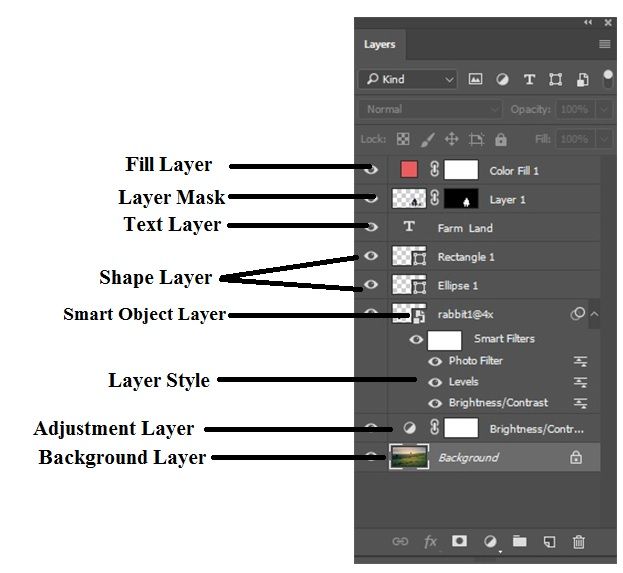
1. Layer-Based Editing
One of the biggest advantages of a PSD file is the layer system. Each element of a design can exist on its own layer.
This means you can:
- Edit text without affecting the background
- Replace images inside mockups
- Adjust shadows, highlights, or effects separately
- Turn layers on or off
This flexibility is why PSD files are commonly used for mockups and design templates.
For example, designers often download product packaging mockups from:
These PSD mockups allow users to place their design using smart objects.
2. Smart Objects
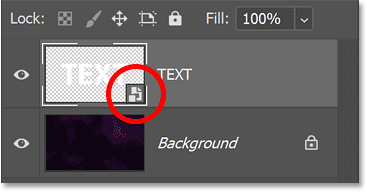
Smart Objects allow designers to place editable content inside a PSD file without damaging the original design.
This is especially useful for:
- Logo mockups
- T-shirt mockups
- Product packaging presentations
By double-clicking a smart object layer, you can insert your own artwork and instantly update the preview.
Many free PSD mockups available on PSFiles use this technique.
3. High Resolution Support
PSD files support extremely high resolution images.
Photoshop can handle images up to 30,000 pixels in width and height, making PSD files ideal for:
- Print design
- Posters
- Banners
- High resolution photo editing
Because of this, PSD files are often used in professional design workflows.
4. Advanced Editing Capabilities
PSD files support many advanced Photoshop features such as:
- Adjustment layers
- Layer styles
- Filters
- Clipping masks
- Vector shapes
- Text editing
This allows designers to create complex visual designs without losing editability.
History of the PSD File Format
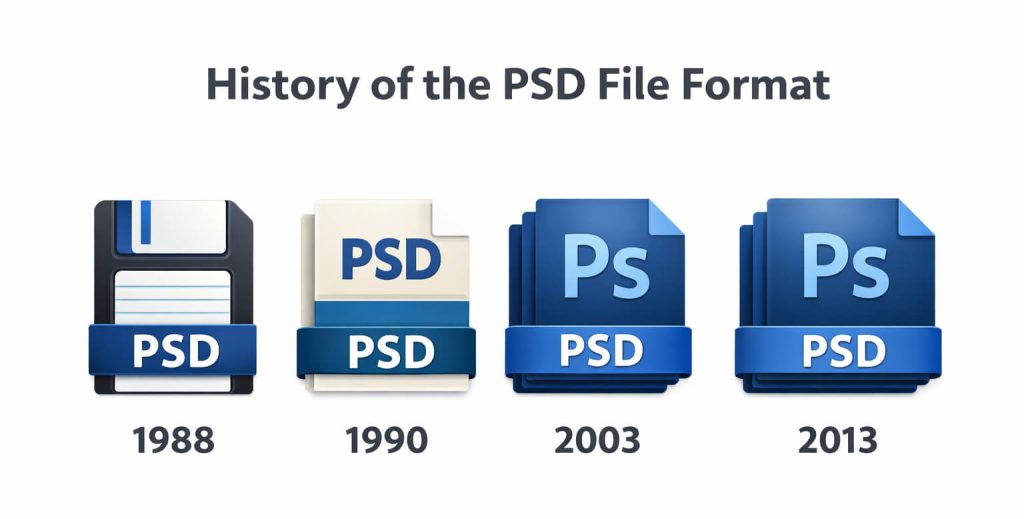
The PSD file format was developed along with Adobe Photoshop, one of the most famous image editing applications in the world.
Photoshop was originally created in 1987 by Thomas Knoll, a Ph.D. student who built a program for displaying grayscale images on a Macintosh computer.
His brother John Knoll, who worked in visual effects, encouraged him to turn the program into a full image editing software.
Eventually, the software caught the attention of Adobe Systems, which acquired the program and released Photoshop in 1990.
Along with Photoshop, the PSD file format became the main file format used for saving editable design projects.
Over the years, PSD files have become a global industry standard for digital design and photo editing.
Today, designers across the world use PSD files to create:
- Advertising designs
- Marketing graphics
- Website layouts
- Social media posts
- Product presentations
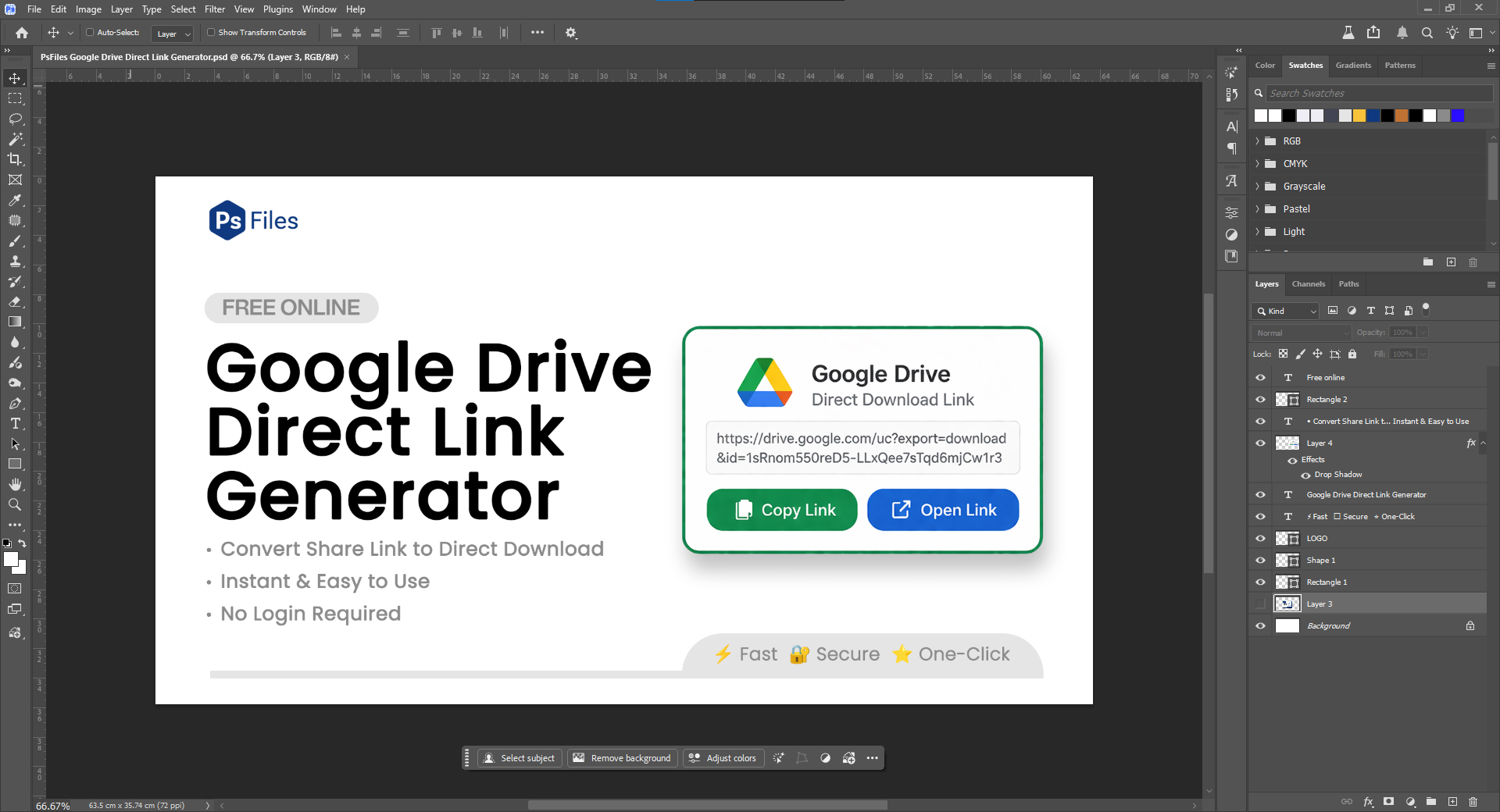
How to Open PSD Files
PSD files can be opened using Adobe Photoshop or several other compatible applications.
Below are some of the most common tools used to open PSD files.
Adobe Photoshop
The best and most reliable way to open PSD files is with Adobe Photoshop.
Since PSD is the native format of Photoshop, the software supports all features including:
- Layers
- Smart objects
- Adjustment layers
- Filters and effects
Photoshop provides full editing capabilities without losing any design data.
Photopea (Online PSD Editor)
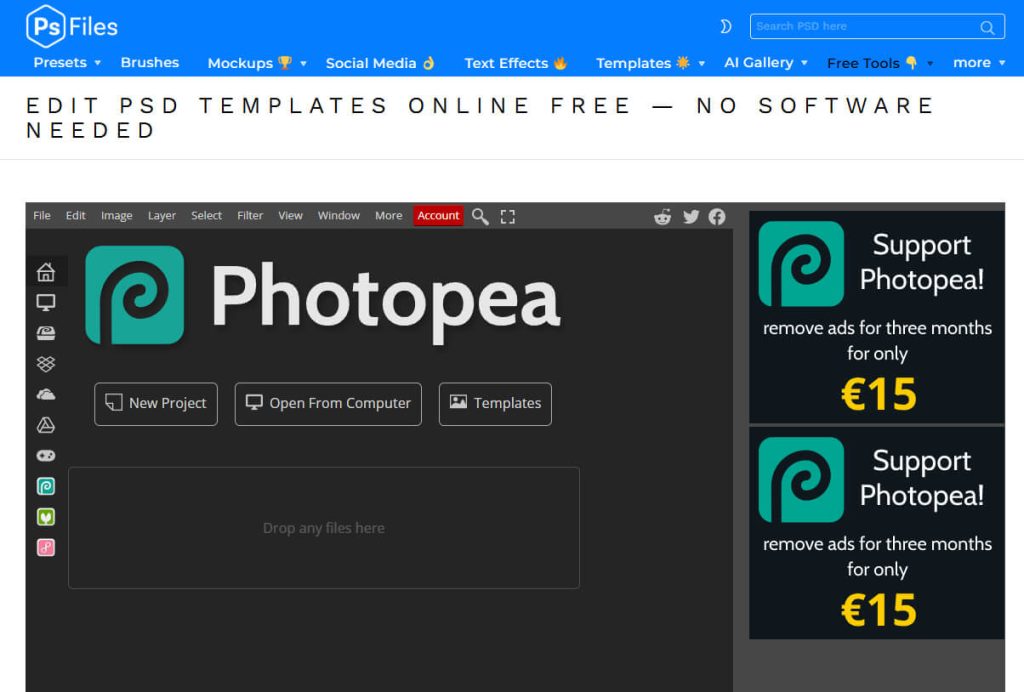
Photopea is a browser-based editor that supports PSD files.
You can upload a PSD file and edit it directly in your browser without installing any software.
It works similarly to Photoshop and supports:
- Layers
- Text editing
- Smart objects
- Export options
This makes Photopea a great free alternative for quick PSD editing.
GIMP
GIMP is a free open-source image editing application.
It supports opening PSD files and editing many of the layers.
However, some complex Photoshop effects may not always work perfectly.
GIMP is available for:
- Windows
- macOS
- Linux
CorelDRAW
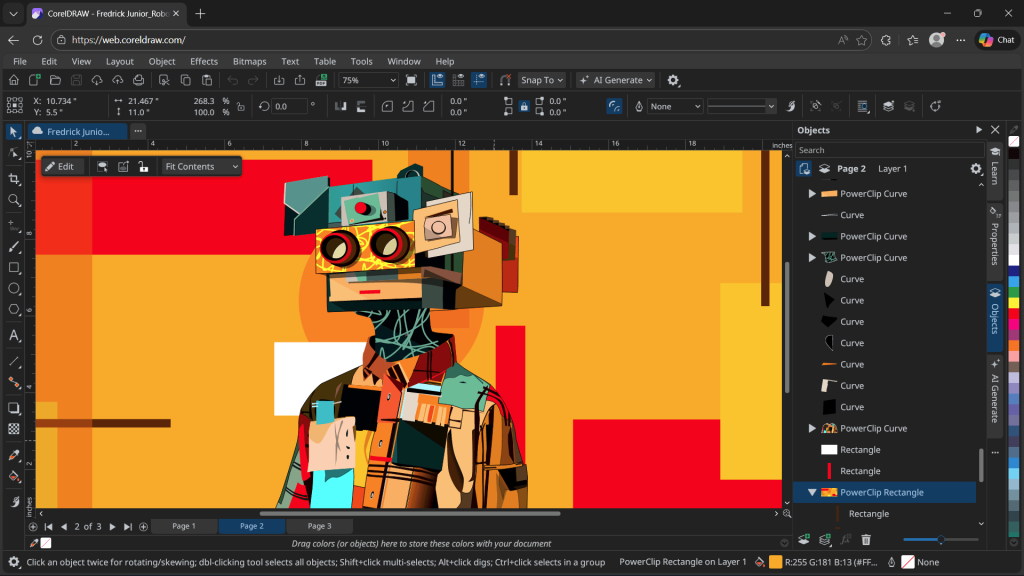
CorelDRAW also supports importing PSD files.
Designers sometimes use it to convert Photoshop designs into vector-based graphics or edit layer content.
How to Edit PSD Files
Editing a PSD file is simple if you are using Photoshop or another compatible application.
Here is the basic workflow:
- Open the PSD file in Photoshop
- Locate the Layers panel
- Select the element you want to modify
- Edit text, colors, images, or effects
- Save the updated PSD file or export it
Many PSD templates available online are created specifically for easy editing.
For example, you can download editable social media post templates from:
https://psfiles.com/category/psd-files/psd-templates/social-media/
These PSD files allow designers to quickly update content for marketing campaigns.
Why Designers Prefer PSD Files
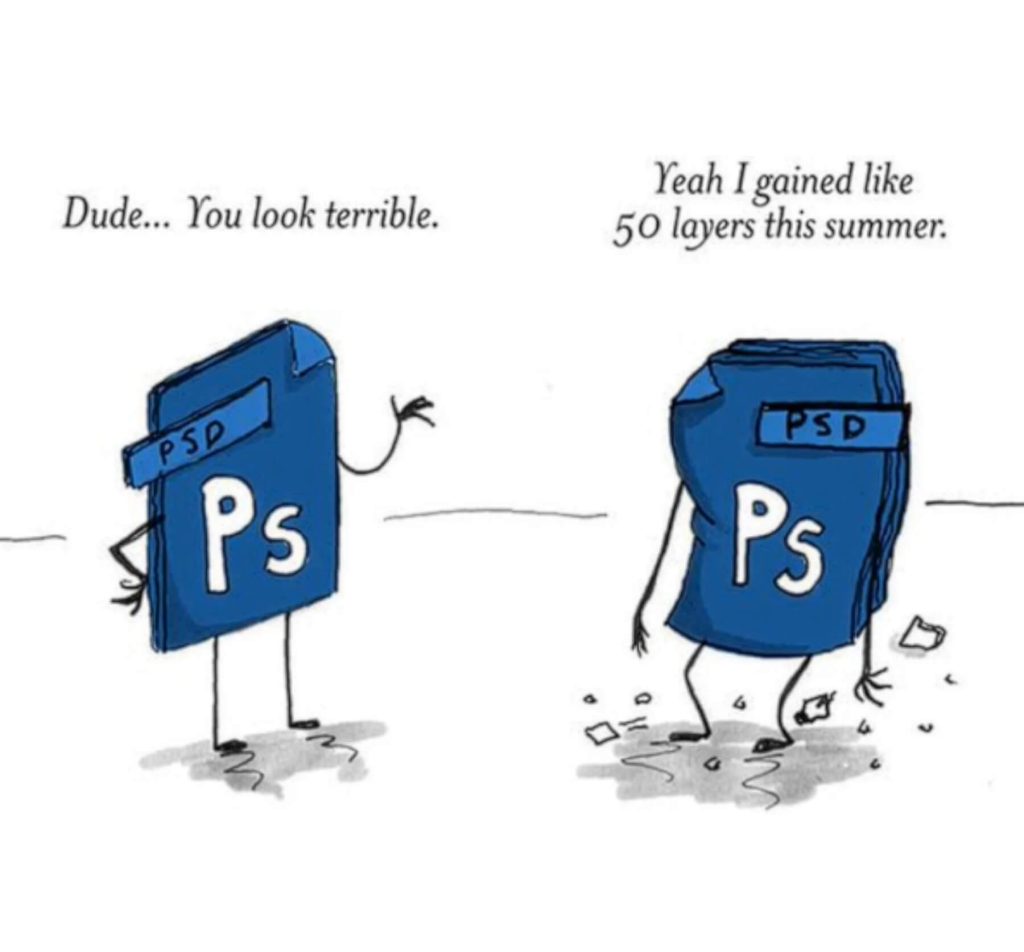
PSD files are preferred by designers because they offer complete editing flexibility.
Some of the biggest advantages include:
- Non-destructive editing
- Easy design customization
- Layer management
- Professional design workflow
- Compatibility with many design tools
This is why PSD files remain one of the most widely used file formats in the design industry.
PSD File vs JPG vs PNG
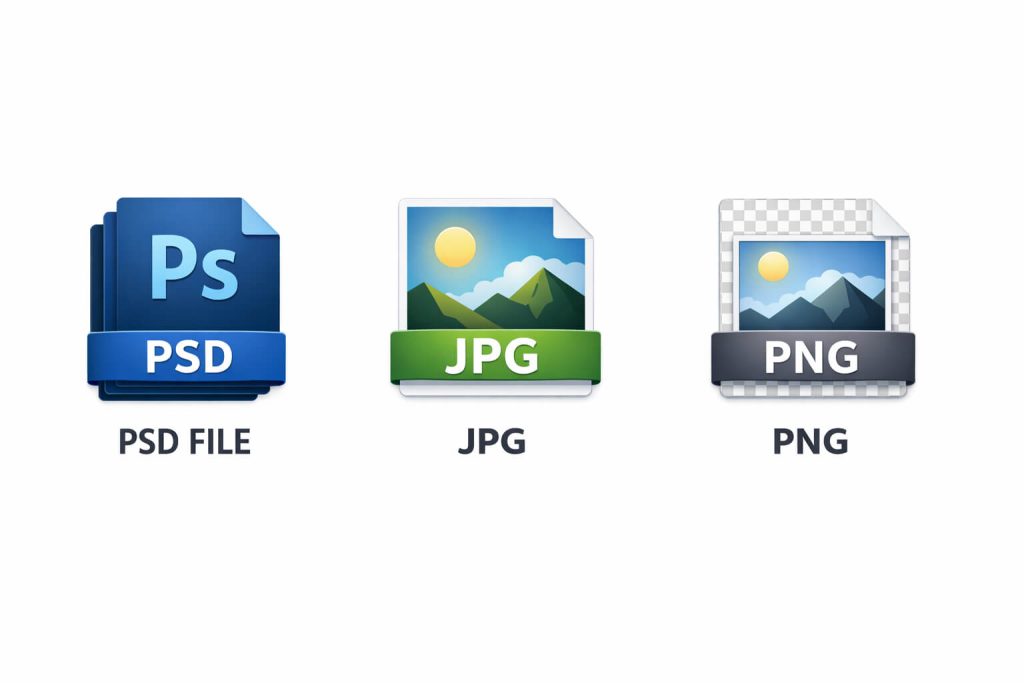
Here is a simple comparison between PSD and common image formats.
| Format | Editable | Supports Layers | File Size |
|---|---|---|---|
| PSD | Yes | Yes | Large |
| JPG | No | No | Small |
| PNG | No | No | Medium |
PSD files are primarily used for editing and design work, while JPG and PNG are used for final exported images.
Where to Download Free PSD Files
If you are looking for free PSD templates, mockups, and design resources, many websites provide downloadable PSD files.
You can find a wide range of free Photoshop resources on PSFiles, including:
- Free PSD Mockups
- Packaging Mockups
- Social Media Templates
- Photoshop Actions
- Editable Design Templates
Browse free PSD resources here:
These PSD files help designers save time and speed up their design workflow.
Final Thoughts
The PSD file format is one of the most powerful tools available for graphic designers and digital artists.
Because it stores layers, effects, text, and editable design elements, PSD files allow complete control over your design projects.
Whether you are creating a Photoshop template, editing photos, designing social media graphics, or building mockups, PSD files provide the flexibility needed for professional design work.
Even as new design tools continue to emerge, PSD remains an essential file format in the creative industry.
If you want ready-to-use PSD resources for your projects, you can explore free Photoshop templates and mockups on PSFiles, where designers can download high-quality editable PSD files.