


 PsFiles Designer
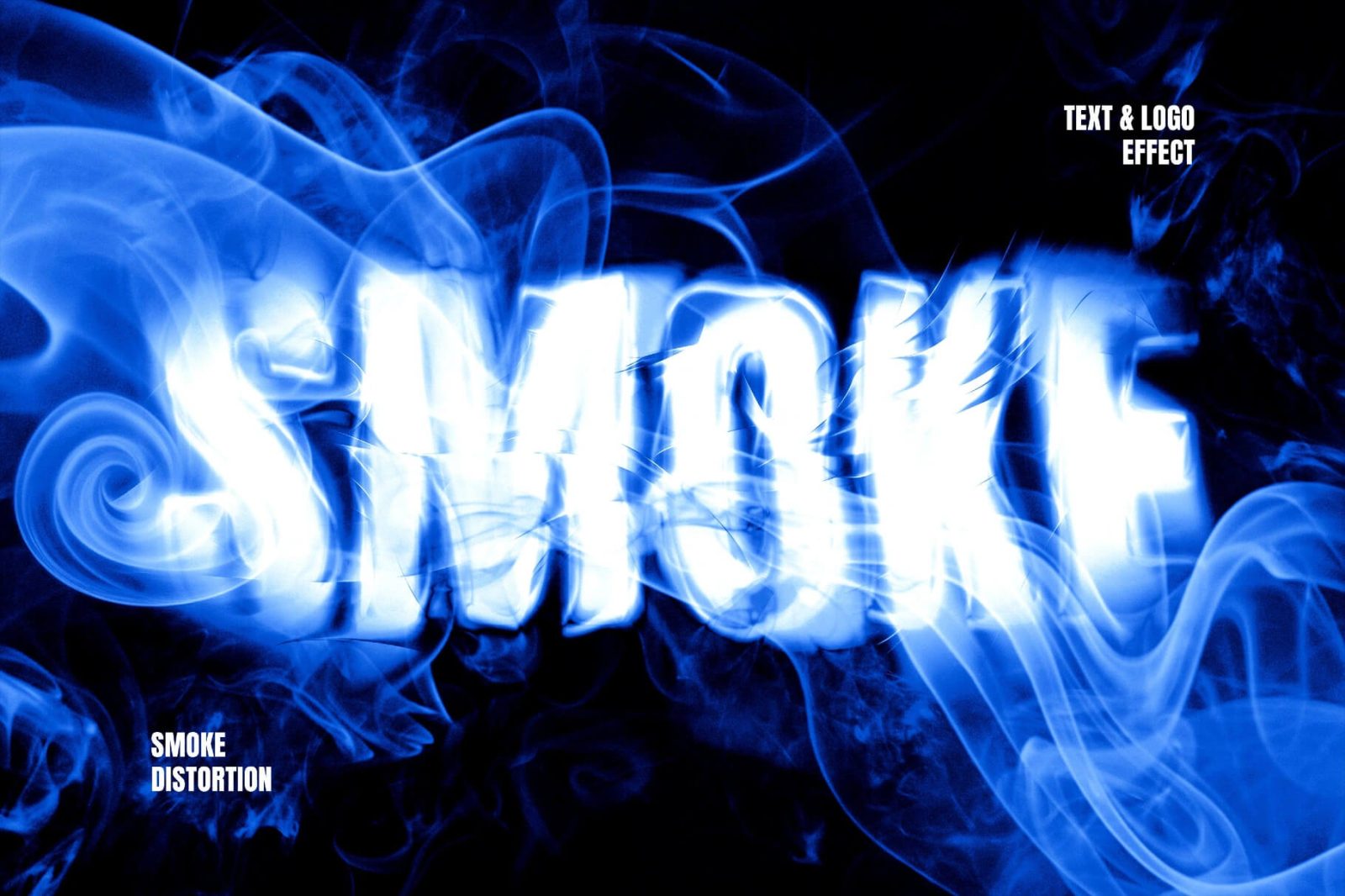
Creating cinematic typography from scratch can take hours of layering, blending, and smoke manipulation in Photoshop. This Smoke Text Effect PSD helps graphic designers, movie title creators, and branding professionals generate dramatic glowing text effects with realistic smoke distortion and intense visual depth in just a few clicks.
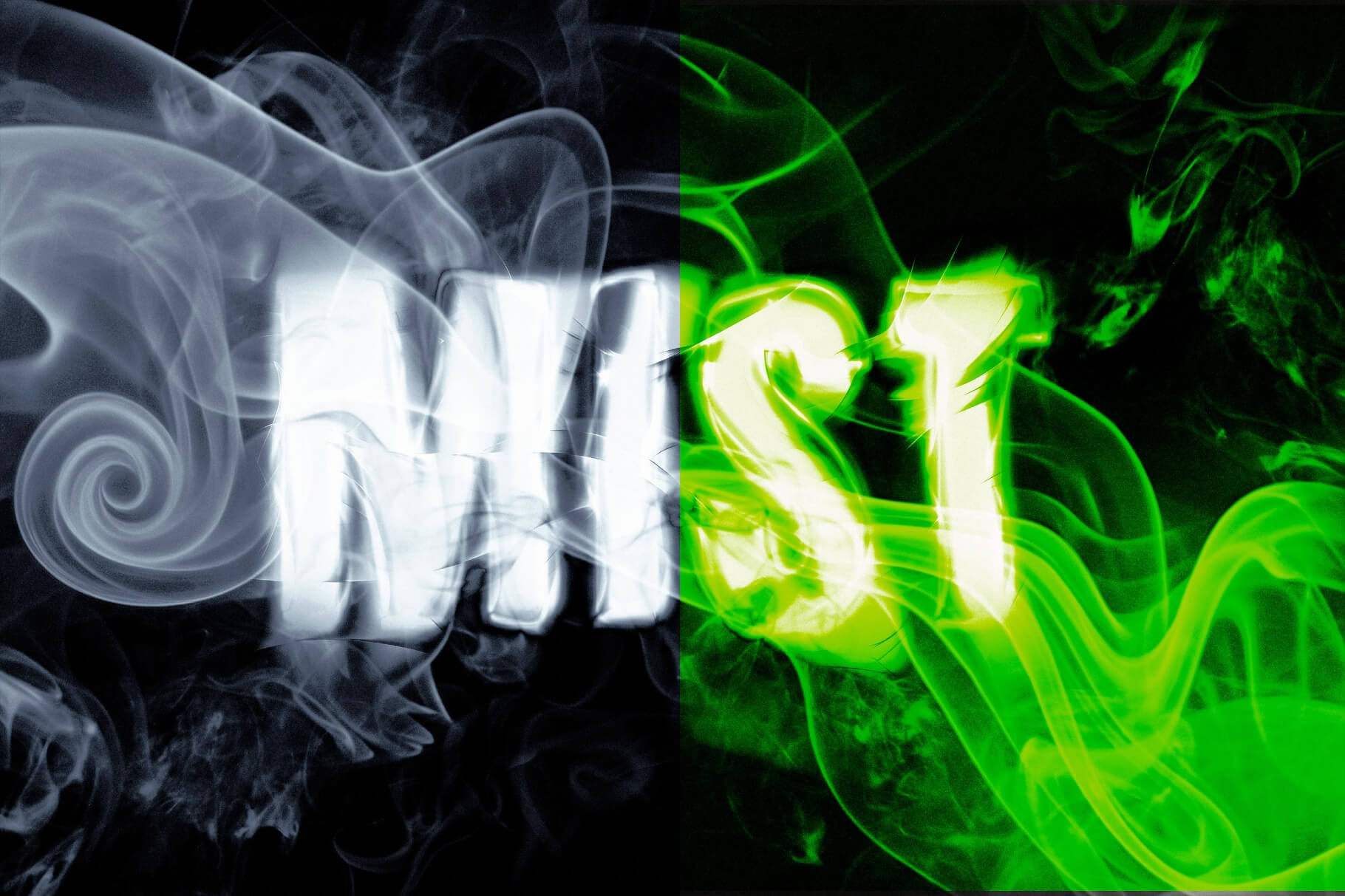
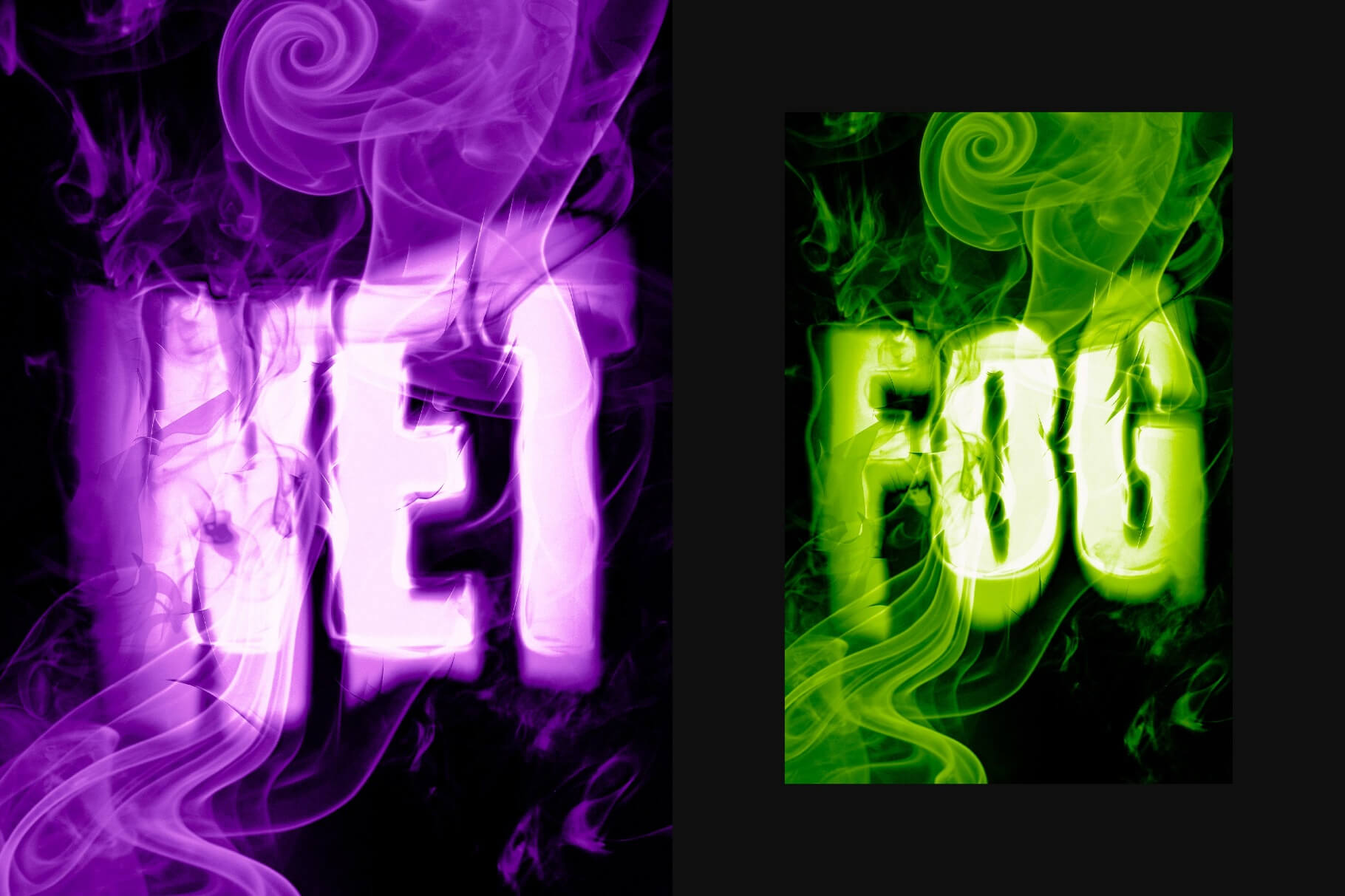
The template features a bright glowing text style surrounded by swirling smoke textures and distortion effects, making it perfect for movie posters, gaming banners, YouTube thumbnails, album covers, esports branding, and horror-themed designs in 2026. Whether you’re building a cinematic logo reveal or creating a dark promotional banner, this smoke template PSD delivers a high-impact professional result instantly.
What’s Included in This Free Template
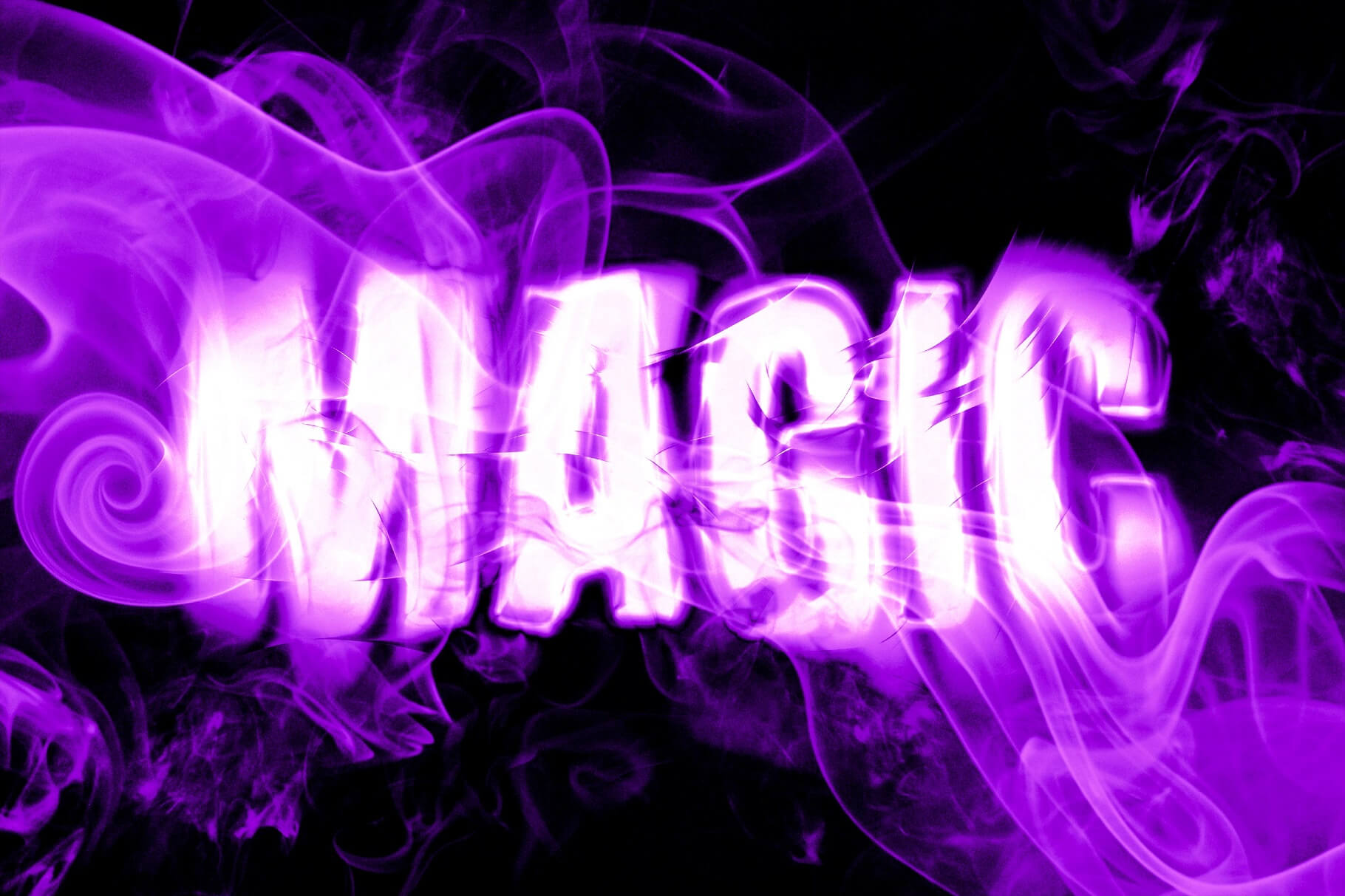
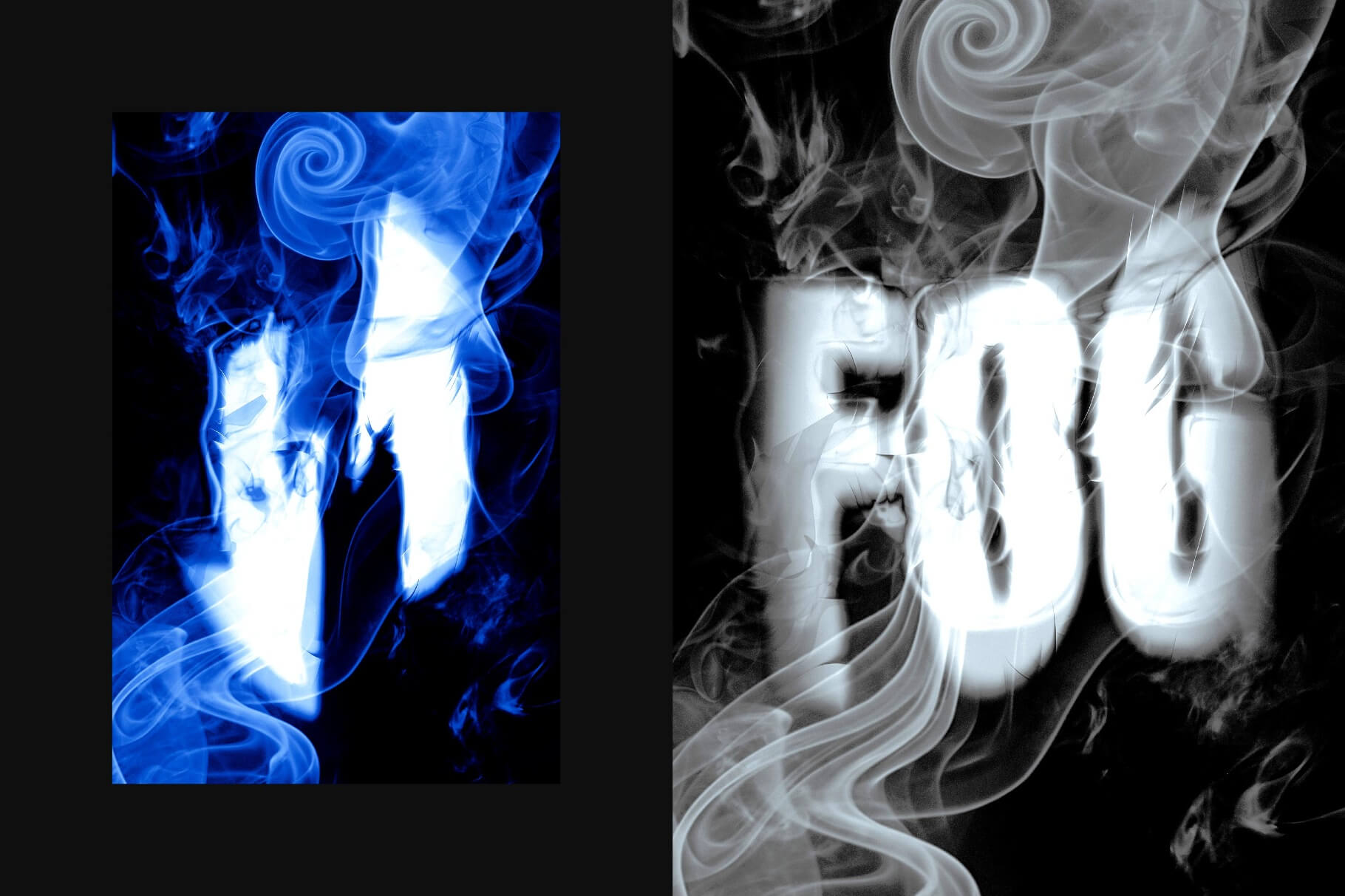
- 1 fully layered PSD template file – 5 color options
- High-resolution smoke distortion typography effect
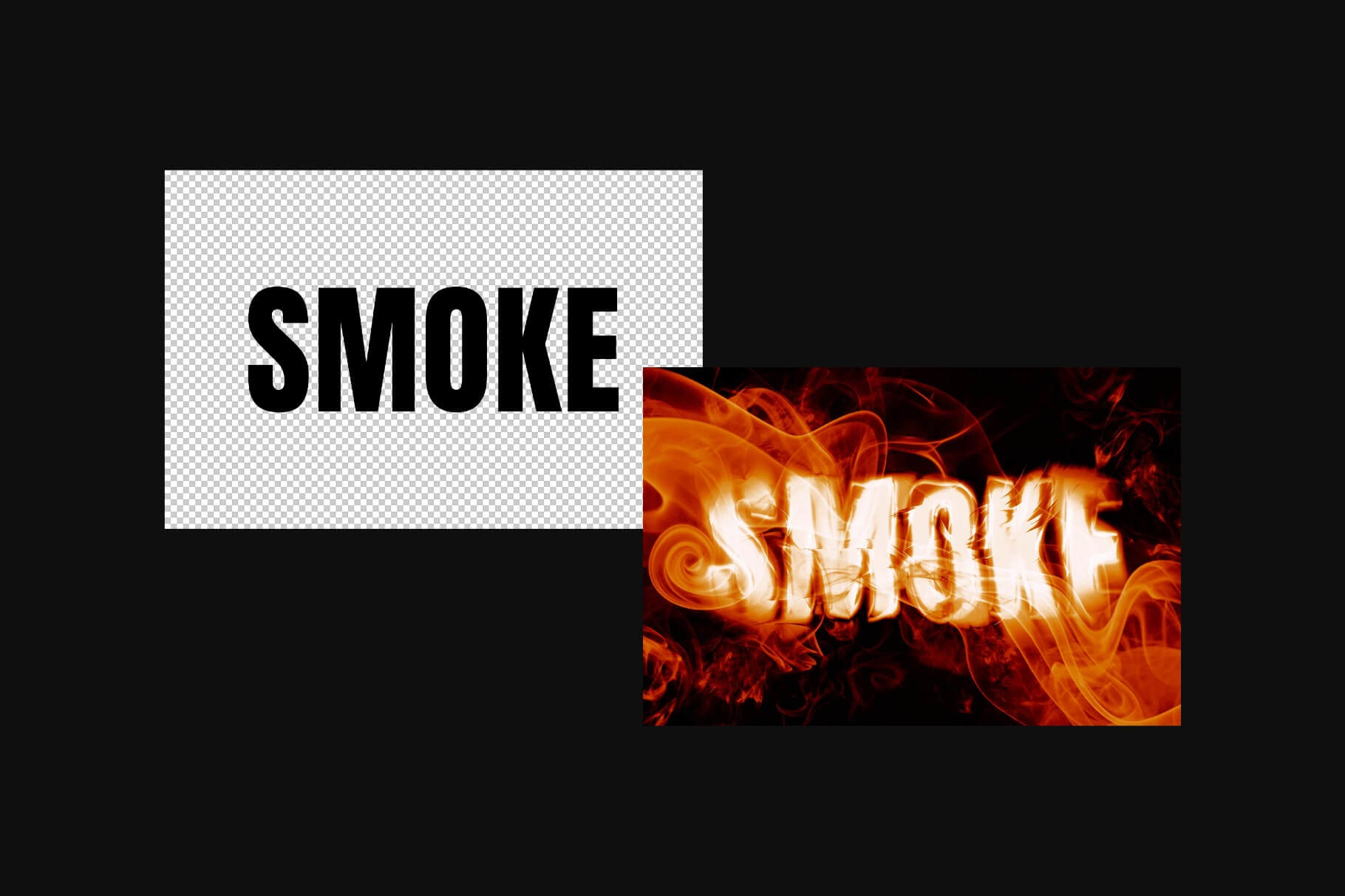
- Editable smart object text replacement
- Realistic glowing smoke overlays and lighting effects
- Cinematic distortion and crack-style texture details
- Organized and labeled Photoshop layers
- Editable colors and typography settings
- Professional logo and title presentation effect
- Compatible with Photoshop CS6, CC, and all 2024/2025 versions
File Info:
- Colour Mode: RGB
- Dimensions: 4500×3000 px, 300
- Available Format: Smart object layered PSD file
- File Size: 200 MB
- Download file type: Zip file
- License: Free for personal and commercial use
- Created by: Pixelbuddha
- To use these PSD files you need Adobe Photoshop
How to Use This Template in Photoshop
- Download and extract the PSD template file to your desktop or project folder.
- Open the PSD file in Adobe Photoshop CS6, Photoshop CC, or newer versions.
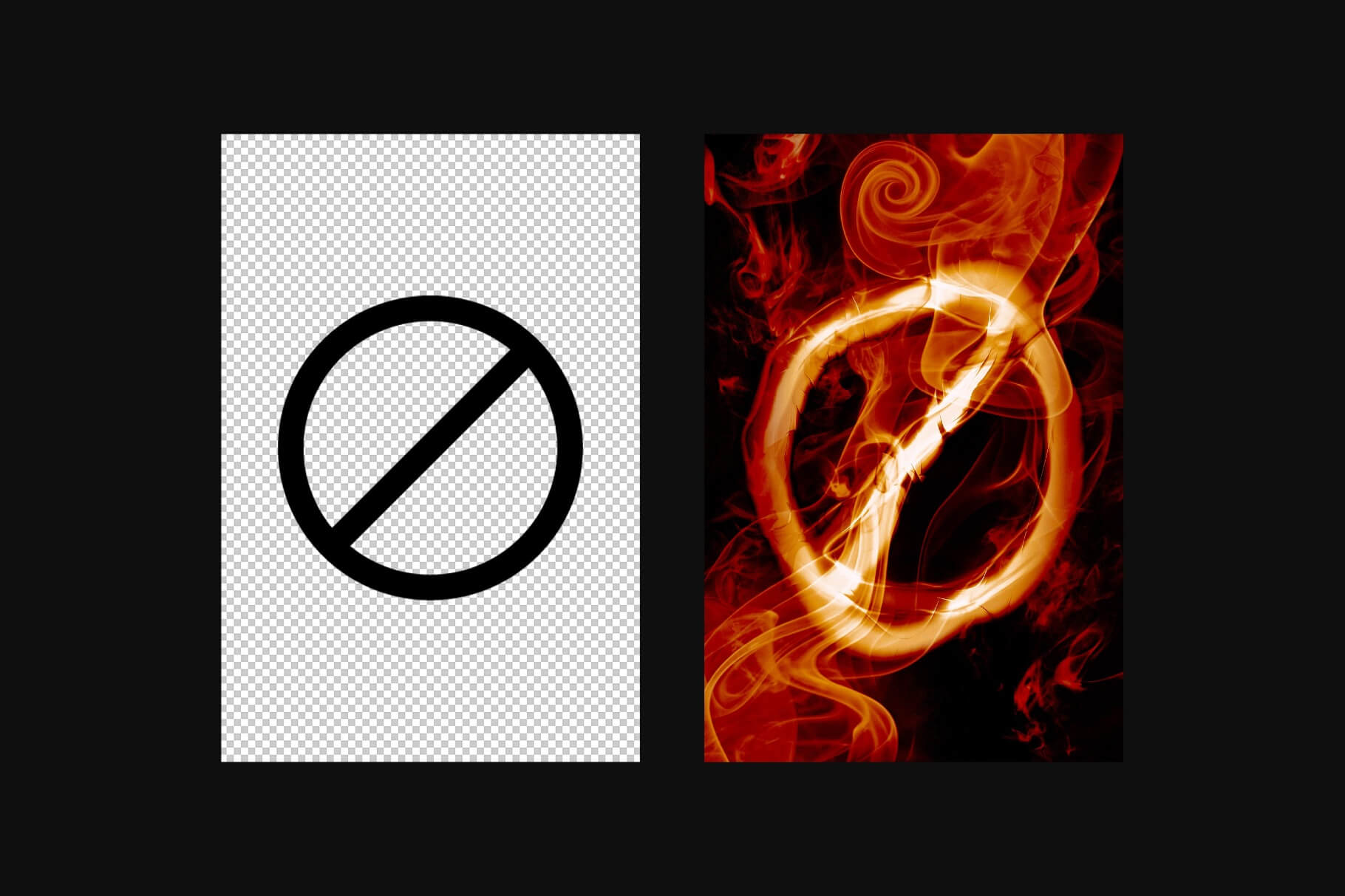
- Locate the smart object text layer inside the Layers panel.
- Double-click the smart object thumbnail to open the editable typography canvas.
- Replace the sample text with your movie title, logo, banner text, or branding artwork.
- Save the smart object file and switch back to the main composition automatically.
- Adjust glow colors and smoke intensity if needed to match your creative project.
- Export the final artwork as PNG or JPG for posters, YouTube thumbnails, banners, or social media graphics.
💡 Pro Tip: Use bold uppercase fonts for stronger cinematic impact and more visible smoke distortion effects.
Who Uses This Template — Real-World Use Cases
- Movie Poster Designers — Film and entertainment designers use smoke text effects for thriller, horror, and cinematic title artwork.
- YouTube Creators — Content creators build dramatic YouTube thumbnails and intro graphics with glowing typography effects.
- Gaming & Esports Brands — Esports teams create high-impact logos, stream overlays, and gaming banners using smoke typography.
- Graphic Designers — Freelancers use cinematic text effects for branding presentations, client posters, and social media campaigns.
- Book Cover Designers — Authors and publishers create dark fantasy and mystery book titles with dramatic smoke effects.
- Social Media Managers — Marketing teams design promotional banners and Instagram campaign visuals with eye-catching typography.
- Music & Album Designers — Artists and producers create album covers and concert posters with glowing text effects and distortion textures.
Frequently Asked Questions
Is this Smoke Text Effect PSD free for commercial use?
Yes, this Smoke Text Effect PSD is free for both personal and commercial use. You can use it for movie posters, client projects, YouTube thumbnails, album artwork, branding campaigns, and promotional graphics without additional licensing fees.
What Photoshop version do I need to edit this PSD?
The PSD file works with Adobe Photoshop CS6, Photoshop CC, and all current 2024 and 2025 versions. Smart object layers and smoke effect details remain fully compatible in supported Photoshop releases.
How do I change the text inside the smoke effect?
Open the smart object layer inside the PSD file, replace the sample text with your own title or logo, and save the file. Your typography automatically updates with the glowing smoke distortion effect applied instantly.
Can I use this smoke text effect without Adobe Photoshop?
You may be able to edit the PSD using Photopea or Affinity Photo, but Adobe Photoshop provides the best support for smart objects, blend modes, glow effects, and layered smoke textures. Some effects may not render correctly in alternative software.
Is this smoke template PSD suitable for YouTube thumbnails and movie titles?
Yes, this cinematic text effect works perfectly for YouTube thumbnails, gaming banners, movie posters, music covers, and promotional graphics. The glowing smoke distortion style helps typography stand out dramatically in digital and print designs.
Strong typography can instantly improve the visual impact of posters, thumbnails, and branding campaigns. Download this free Smoke Text Effect PSD below and create cinematic glowing title effects for your next creative project.