



 PsFiles Designer
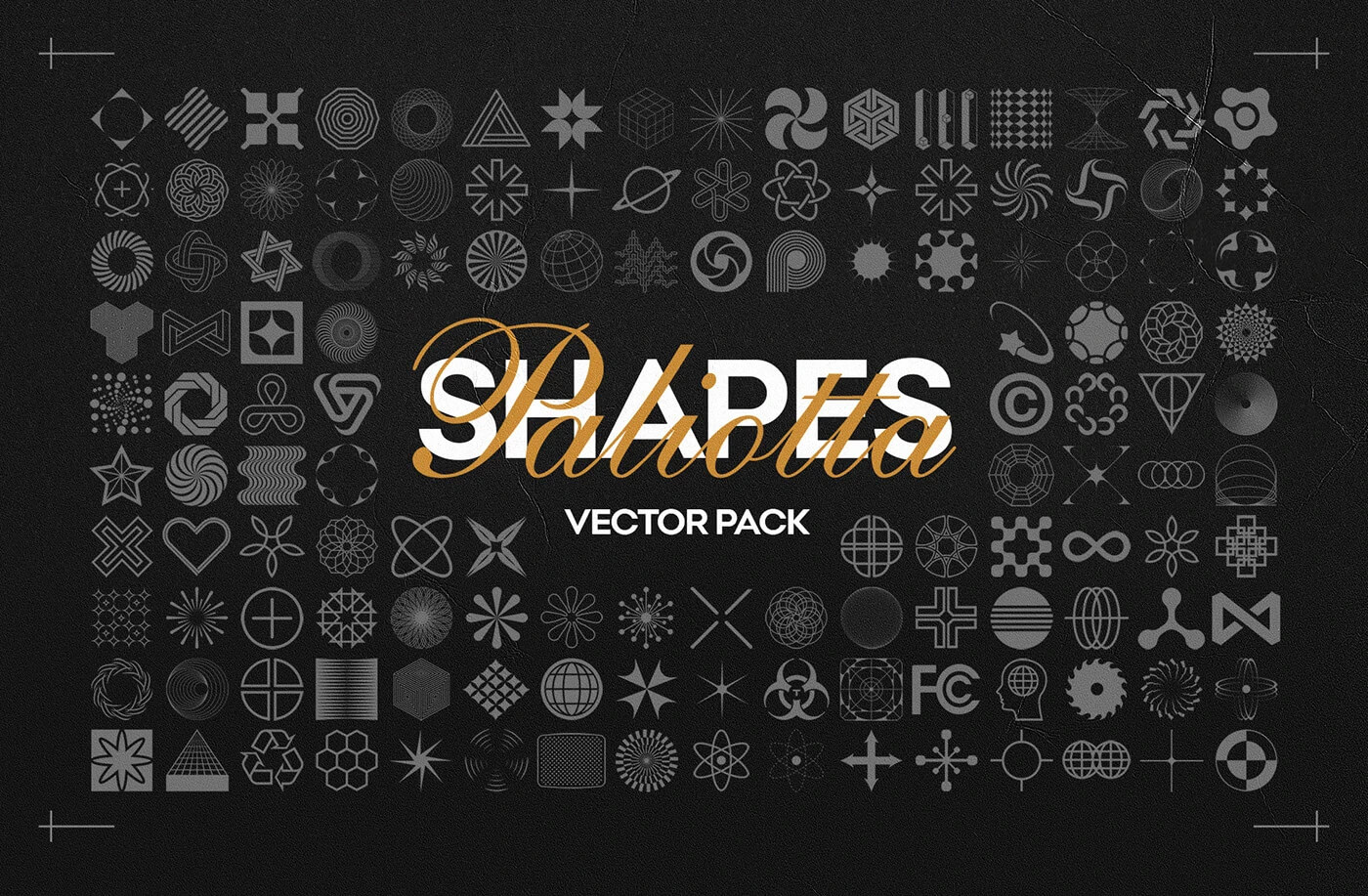
Looking for a massive free Photoshop shapes pack to supercharge your design workflow? We’ve got you covered. The Free 160 Shapes Vector Pack is one of the most complete outlined vector shape collections available for free download — perfect for logo designers, brand creators, and digital artists who want versatile, high-quality design elements without the cost.
This pack delivers 160 unique outlined vector shapes available in fully editable PSD, Adobe Illustrator (AI), and EPS formats — making it compatible with Photoshop, Illustrator, and any EPS-supported software. Every shape is a clean outline vector, so you can resize, recolor, and export at any resolution without pixelation.
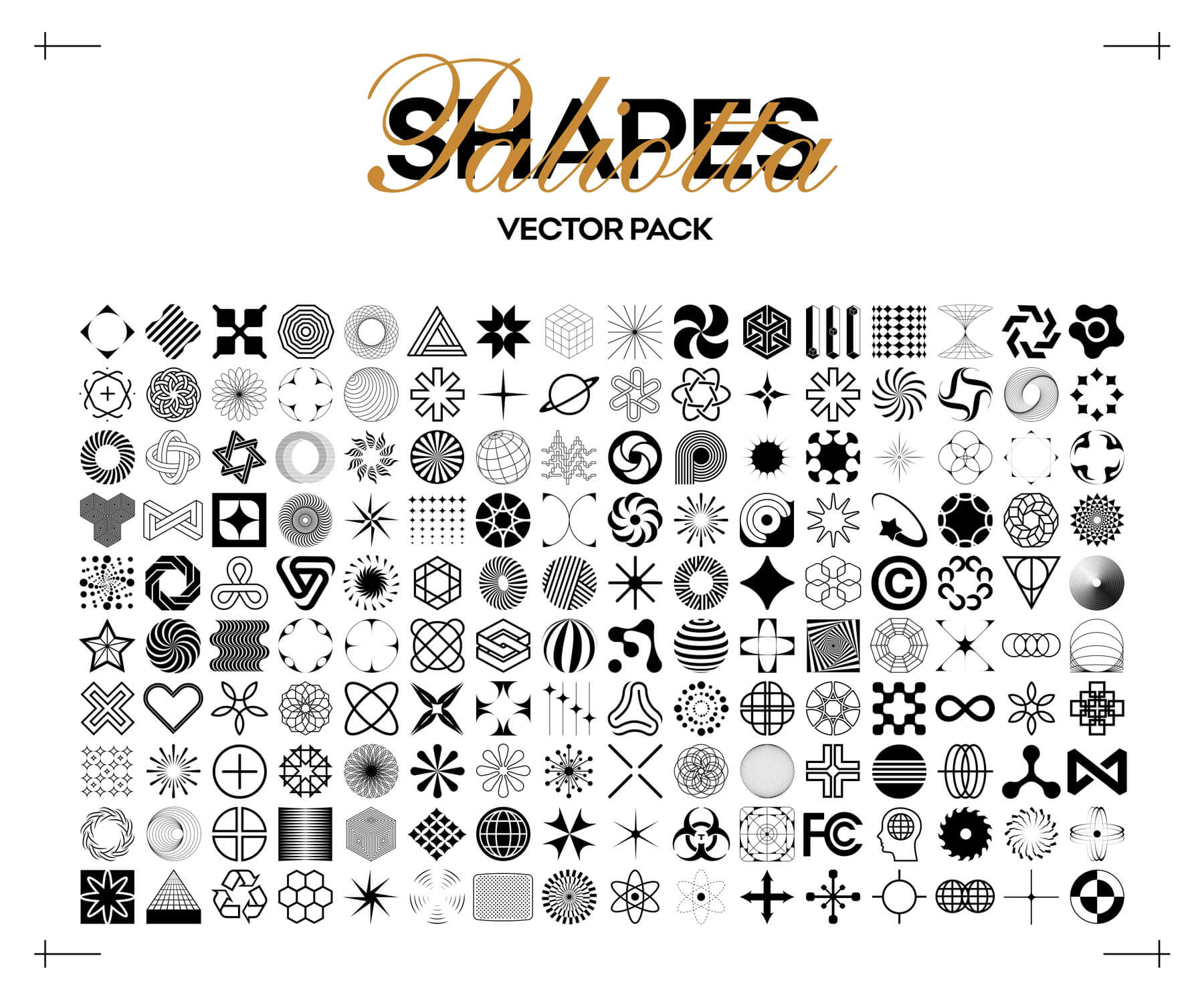
What’s Inside the Free Shapes Pack?
This is not just a simple geometric shapes pack. The 160 shapes span a wide range of styles ideal for modern design projects:
- Abstract & geometric shapes — perfect for backgrounds and pattern design
- Circular and radial shapes — sunbursts, rings, spirals, and web forms
- Star and polygon shapes — multi-point stars, hexagons, and angular forms
- Organic and decorative shapes — floral outlines, ornamental, and symbolic vectors
- Cross, grid, and structural icons — ideal for UI elements and infographics
- Globe and tech-inspired shapes — great for logo design and brand identity work
Every shape is a scalable vector — resize to any dimension from icon size (16px) to billboard (print-ready) without losing quality.
Why Designers Love This Pack
Most free custom shapes for Photoshop are limited to basic icons or poor-quality outlines. This pack was originally created by designer Alex Paliotta and has been downloaded over 9,000 times — making it one of the most popular shape packs on PsFiles.
Whether you’re designing logos, building a brand kit, creating social media graphics, crafting poster backgrounds, or building UI mockups — having 160 ready-made vector shapes saves hours of drawing time.
How to Use These Shapes in Photoshop
- Download and extract the ZIP file
- Open Photoshop → go to Edit > Presets > Preset Manager
- Select Custom Shapes from the dropdown
- Click Load and browse to the
.cshfile (or open the.psddirectly) - Your 160 shapes will now appear in the Custom Shape Tool library
- Drag, resize, recolor — fully non-destructive and vector-sharp
For Illustrator users, simply open the .ai or .eps file and copy the shapes into your project.
File Information
- Category: Photoshop Custom Shapes / Design Elements
- Formats Included: PSD, AI (Adobe Illustrator), EPS
- Total Shapes: 160 Outlined Vectors
- File Size: 18.5 MB (ZIP)
- Download file type: Zip
- License: Free for Personal & Commercial Use
- Author: Alex Paliotta
- Software Required: Adobe Photoshop CC or Adobe Illustrator