


 PsFiles Designer
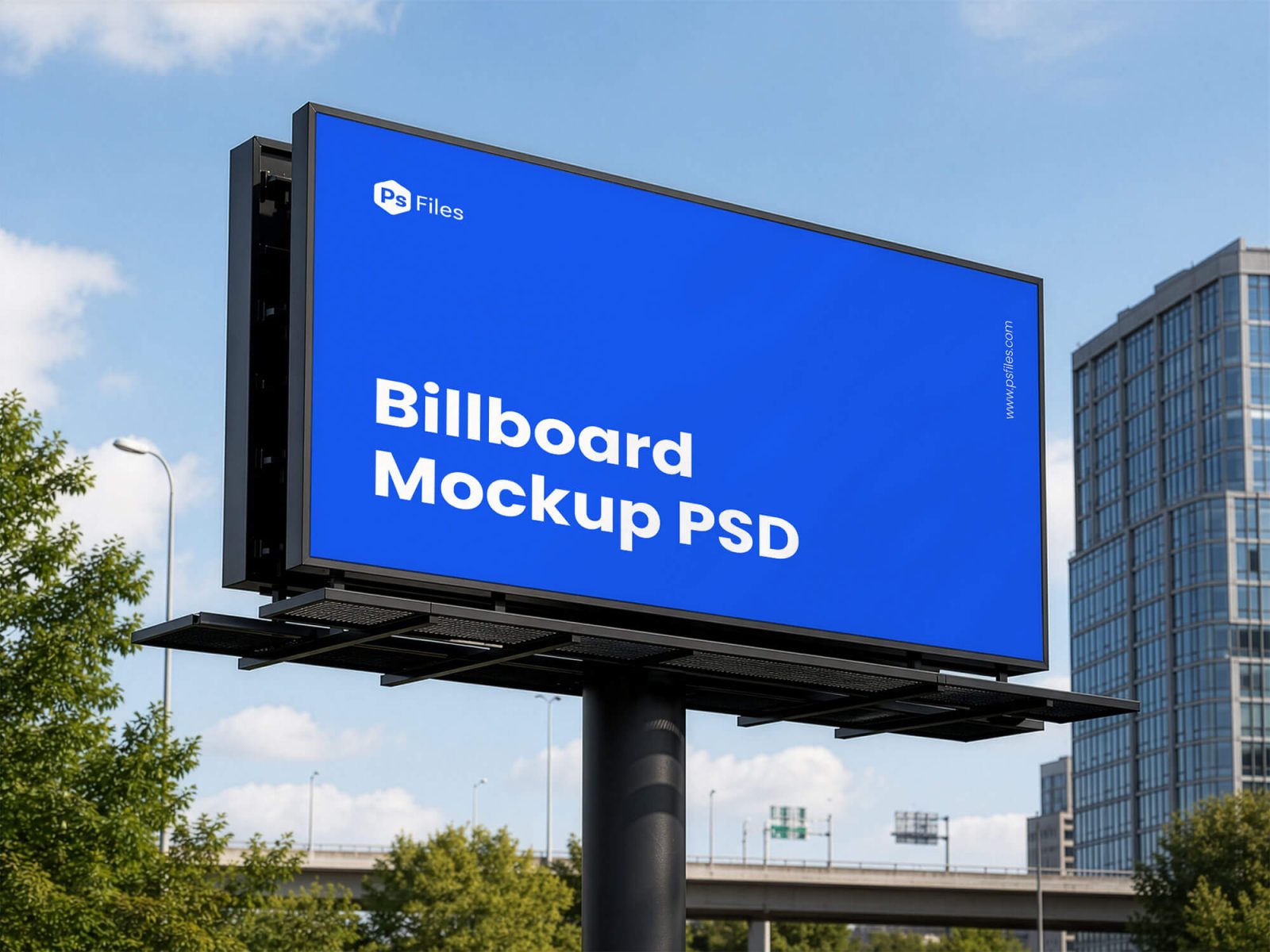
Presenting large-scale advertising designs to clients should feel realistic and professional without arranging expensive outdoor photography. This Billboard Mockup helps sign board designers, print shops, and branding agencies showcase advertising campaigns on a giant outdoor display with realistic lighting, urban surroundings, and premium presentation quality.
The mockup features a large roadside billboard in a modern city environment, making it perfect for outdoor advertising campaigns, branding presentations, signage businesses, and print production previews in 2026. Whether you’re designing for local businesses, corporate advertising, or digital marketing campaigns, this Big Billboard Mockup PSD gives your artwork a polished real-world appearance in minutes.
What’s Included in This Free Mockup
- 1 fully editable PSD billboard mockup file
- High-resolution outdoor advertising presentation
- Realistic city environment and billboard lighting
- Smart object layers for easy artwork replacement
- Editable billboard display area and colors
- Professional outdoor signage presentation scene
- Organized and labeled Photoshop layers
- Realistic shadows and perspective effects
- Compatible with Photoshop CS6, CC, and all 2024/2025 versions
File Info:
- Dimensions: 2000×1500 Pixels
- Available Format: Fully Layered .PSD Format
- License: Personal and Commercial Use
- File Size: 10.7 MB
- Download file type: Zip
- Author: PsFiles
- To use these PSD files you need Adobe Photoshop
How to Use This Mockup in Photoshop
- Download and extract the PSD mockup file to your computer.
- Open the PSD file in Adobe Photoshop CS6, Photoshop CC, or newer versions.
- Locate the smart object layer inside the Layers panel for billboard artwork placement.
- Double-click the smart object thumbnail to open the editable advertising canvas.
- Insert your branding, campaign design, or promotional artwork into the smart object area.
- Save the smart object file and switch back to the main billboard preview automatically.
- Adjust colors or lighting details if needed to match your advertising campaign style.
- Export the final mockup as JPG or PNG for presentations, client approvals, Behance, or social media.
💡 Pro Tip: Use bold typography and high-contrast colors for billboard presentations since outdoor advertising designs need to remain visible from long distances.
Who Uses This Mockup — Real-World Use Cases
- Sign Board Designers — Outdoor advertising professionals use billboard mockups to preview large-scale campaign designs before print production.
- Print Shop Owners — Printing businesses present signage layouts realistically to clients for approval before installation.
- Branding Agencies — Creative agencies showcase advertising campaigns and outdoor branding concepts professionally in client presentations.
- Small Business Owners — Local businesses preview promotional signage and roadside advertising before launching campaigns.
- Social Media Managers — Marketing teams create realistic campaign previews for Instagram, Facebook, and digital portfolio presentations.
- Graphic Designers — Freelance designers use outdoor advertising mockups to build Behance case studies and branding portfolios.
- Signage Brands — Commercial signage companies use billboard mockups for product catalogs, advertisements, and promotional materials.
Frequently Asked Questions
Is this Billboard Mockup PSD free for commercial use?
Yes, this Billboard Mockup PSD is free for both personal and commercial use. You can use it for advertising presentations, signage branding, client campaigns, portfolio projects, and print shop marketing without licensing restrictions.
What Photoshop version do I need to open this PSD?
The PSD file works with Adobe Photoshop CS6, Photoshop CC, and all current 2024 and 2025 versions. Smart object layers and editable billboard elements remain fully compatible in supported Photoshop releases.
How do I place my design on the billboard mockup?
Open the smart object layer inside the PSD file, insert your campaign artwork or promotional design into the editable canvas, and save the file. Your artwork automatically updates on the giant outdoor billboard presentation.
Can I use this billboard mockup without Adobe Photoshop?
You may be able to edit the PSD using Photopea or Affinity Photo, but Adobe Photoshop provides the best compatibility for smart objects, perspective effects, and advanced layer editing. Some billboard lighting effects may not display correctly in alternative software.
Is this mockup suitable for outdoor advertising presentations?
Yes, this professional mockup is ideal for outdoor advertising campaigns, signage presentations, roadside promotions, and large-format print projects. The realistic city environment helps billboard artwork look more professional and production-ready.
Professional presentation can significantly improve client confidence in advertising and signage projects. Download this free Billboard Mockup PSD below and create realistic outdoor advertising previews for your next branding or signage campaign.