


 PsFiles Designer
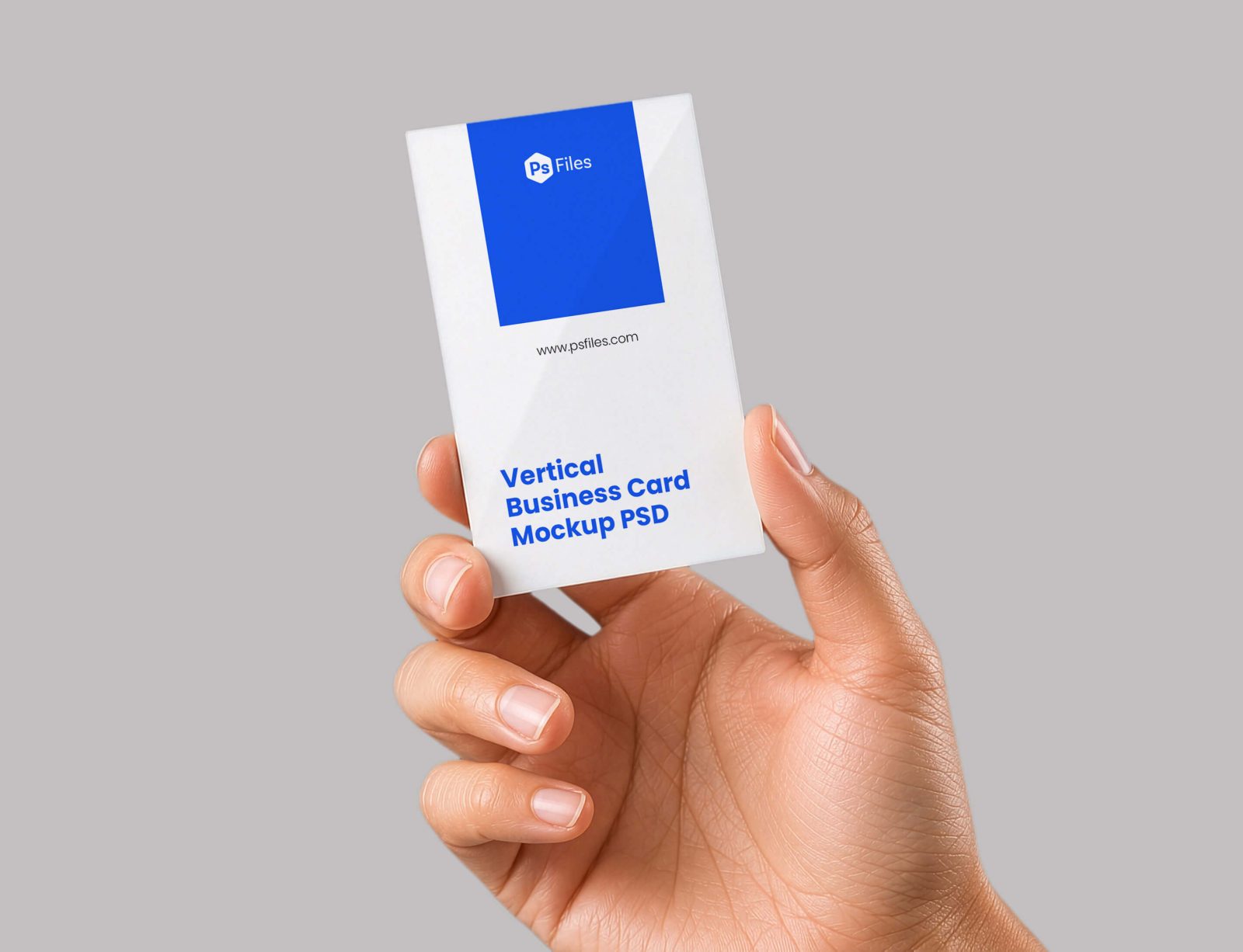
Presenting branding concepts with flat screenshots rarely captures the premium feel clients expect. This Free Business Card Mockup helps brand designers and creative agencies display vertical business card designs in a realistic hand-held presentation with clean lighting, realistic shadows, and modern minimal styling.
Built for freelancers, Etsy shop owners, and graphic designers in the US and UK, this mockup is perfect for logo design showcases, stationery branding projects, Behance case studies, and social media promotions. The vertical card orientation adds a modern and premium look that works especially well for luxury brands, startups, and creative businesses in 2026.
What’s Included in This Free Mockup
- 1 fully layered PSD mockup template
- High-resolution vertical business card presentation
- Realistic hand-holding scene with natural shadows
- Smart object layers for fast artwork replacement
- Editable card colors and typography placement
- Clean minimal background for professional branding previews
- Organized and labeled Photoshop layers
- Vertical business card orientation for modern branding projects
- Compatible with Photoshop CS6, CC, and all 2024/2025 versions
File Info:
- Dimensions: 2866 x 2196 pixels
- Available Format: Smart Layered PSD file
- License: Free for personal and commercial use
- File Size: 8 MB
- Download file type: Zip
- Author: PsFiles.com
- To use these PSD files you need Adobe Photoshop
How to Use This Mockup in Photoshop
- Download and extract the PSD mockup file to your computer.
- Open the PSD file in Adobe Photoshop CS6, Photoshop CC, or newer versions.
- Locate the smart object layer inside the Layers panel for the business card design.
- Double-click the smart object thumbnail to open the editable card canvas.
- Insert your logo design, contact details, or branding artwork into the smart object area.
- Save the smart object file and switch back to the main mockup automatically.
- Customize colors or background settings if needed for your branding presentation.
- Export the final mockup as PNG or JPG for Behance, client presentations, Etsy, or Instagram.
💡 Pro Tip: Use bold typography and minimal layouts on vertical business cards to create a more premium and modern branding appearance.
Who Uses This Mockup — Real-World Use Cases
- Brand Designers — Designers use vertical business card mockups to showcase logo identity systems professionally for client approval.
- Graphic Design Freelancers — Freelancers create polished portfolio previews and Behance presentations without expensive photography.
- Etsy Shop Owners — Sellers offering branding kits and design templates use mockups to create attractive product thumbnails.
- Creative Agencies — Agencies display corporate identity and stationery branding projects in pitch decks and marketing campaigns.
- Social Media Managers — Marketing teams create Instagram branding posts and promotional visuals using realistic mockups.
- Startup Businesses — New brands preview premium stationery concepts before sending designs to print production.
- Content Creators — YouTube creators and Photoshop tutorial channels use business card mockups for educational design content.
Frequently Asked Questions
Is this Free Business Card Mockup PSD free for commercial use?
Yes, this PSD mockup is free for both personal and commercial use. You can use it for client branding projects, social media promotions, Etsy listings, portfolio showcases, and agency presentations without licensing fees.
What Photoshop version do I need to edit this PSD?
The mockup works with Adobe Photoshop CS6, Photoshop CC, and all supported 2024 and 2025 versions. Smart object layers and editable design elements remain fully compatible in modern Photoshop releases.
How do I replace the design on the business card?
Open the smart object layer inside the PSD file, paste your logo design or branding artwork into the editable canvas, and save the file. Your business card design automatically updates inside the realistic hand-holding presentation scene.
Can I use this vertical business card mockup without Adobe Photoshop?
You may be able to edit the PSD using Photopea or Affinity Photo, but Adobe Photoshop provides the best support for smart objects, realistic shadows, and advanced layer editing. Alternative software may not display all effects accurately.
Is this mockup suitable for branding presentations and Behance projects?
Yes, this professional mockup is ideal for Behance case studies, branding presentations, Dribbble portfolios, and agency pitch decks. The realistic hand-held composition helps business card designs feel more premium and presentation-ready.
Strong branding presentations can improve client trust and make logo design projects look more valuable. Download this Free Business Card Mockup PSD below and create modern vertical stationery previews in just a few clicks.