 PsFiles Designer
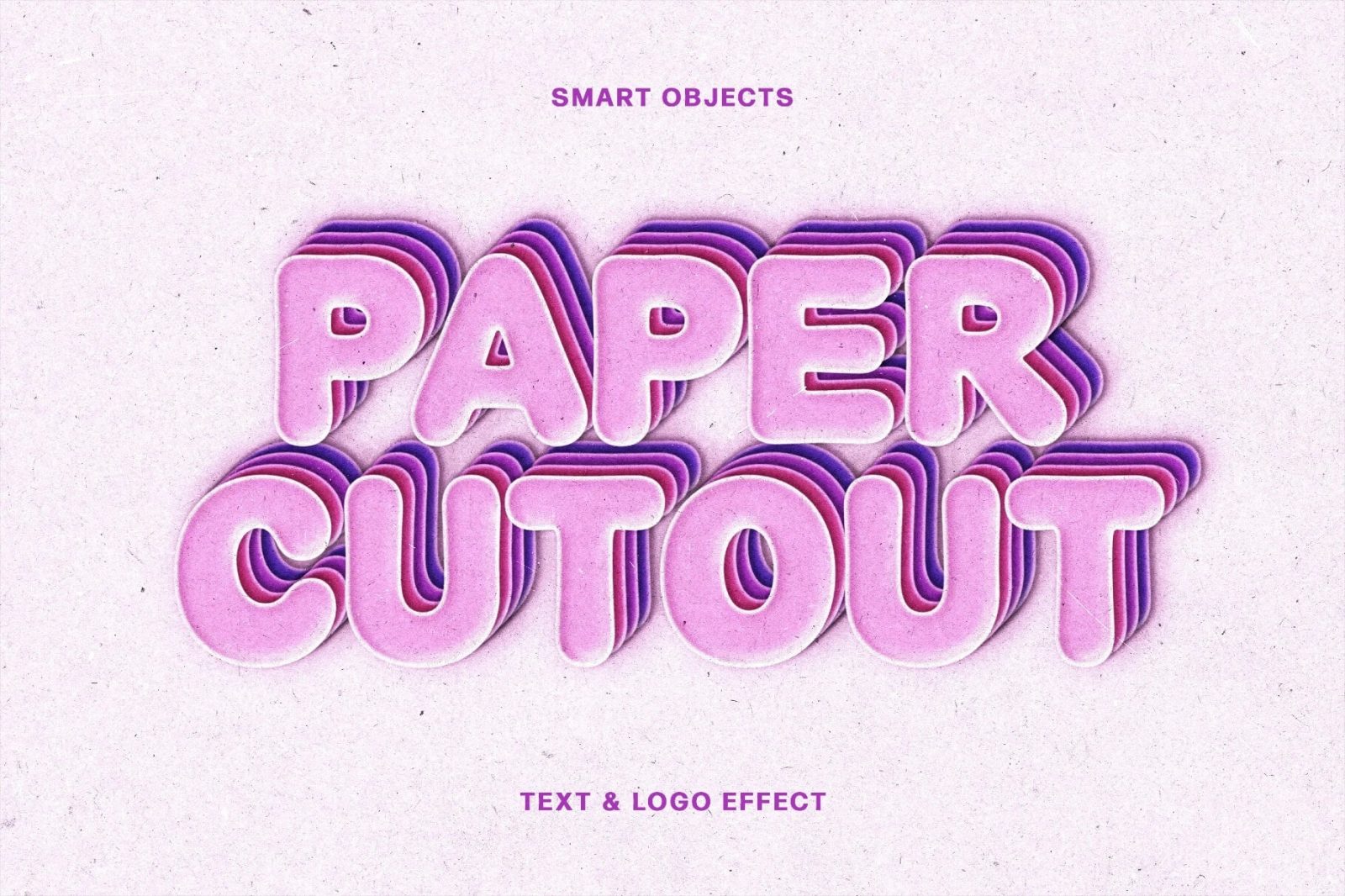
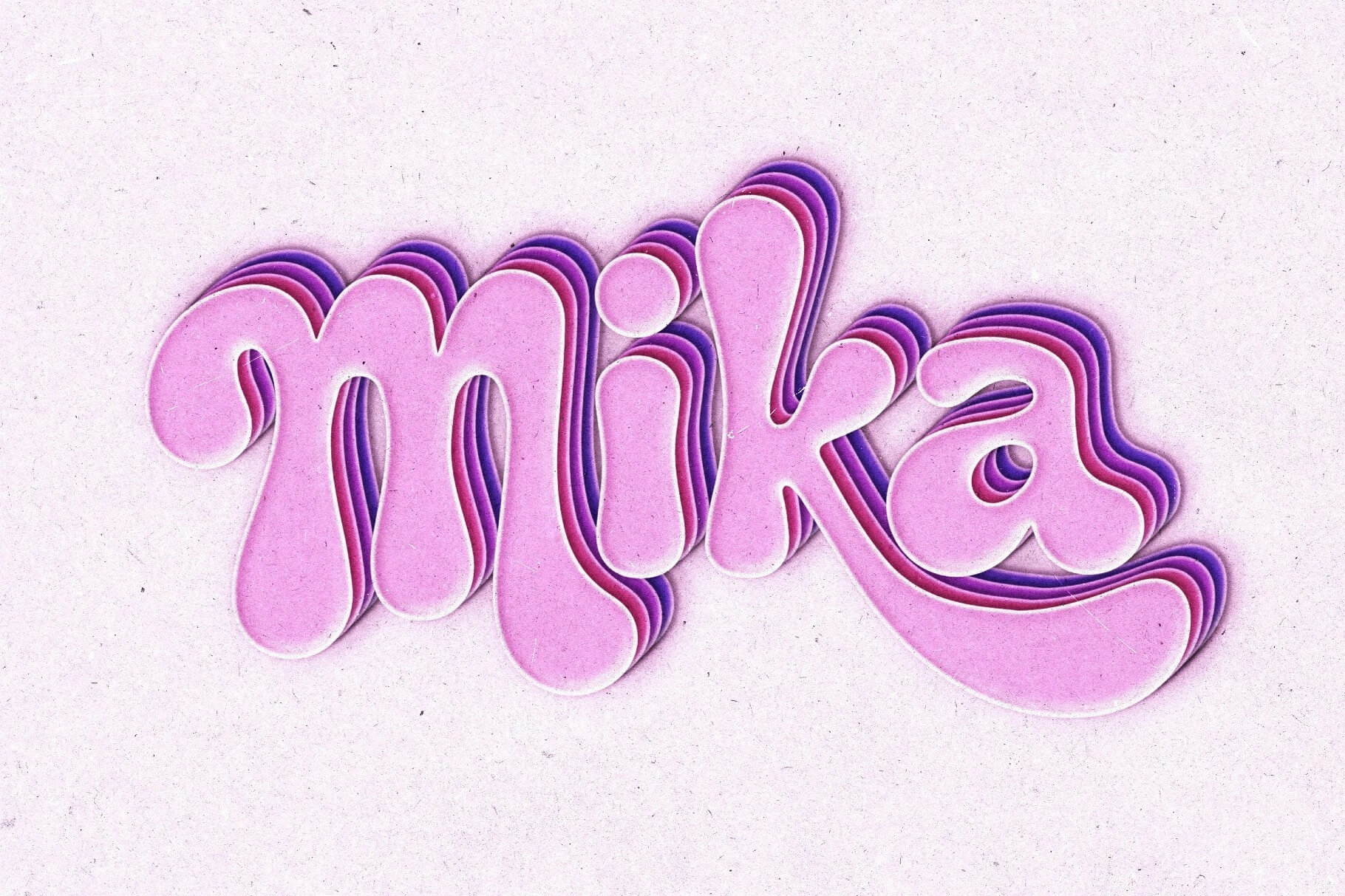
Creating bold retro typography from scratch can take hours when layering shadows, depth, and texture manually. This free Paper Cutout Text Effect PSD helps graphic designers, YouTube creators, branding agencies, and social media marketers create eye-catching layered typography with a playful handcrafted style in seconds.
The effect features soft paper-style depth, stacked layered shadows, smooth rounded typography, and editable smart objects for instant customization. Whether you’re designing YouTube thumbnails, Instagram graphics, logo presentations, poster titles, packaging text, or retro branding projects, this Text PSD gives your typography a modern cutout look perfect for 2026 design trends.
What’s Included in This Free Text Effect
- 1 fully editable layered PSD file
- Retro paper cutout typography effect
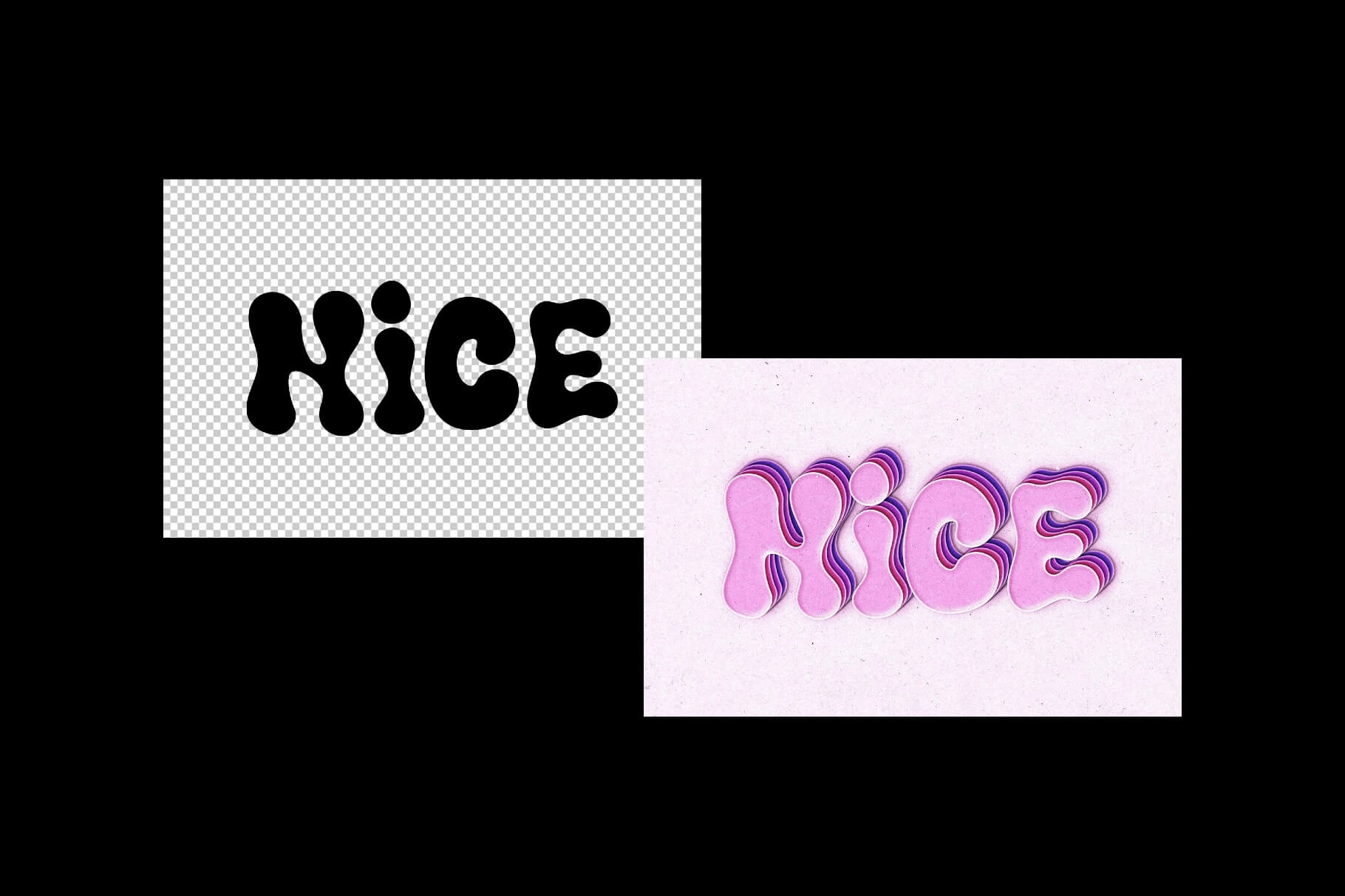
- Smart object text replacement layers
- High-resolution text effect presentation
- Editable colors, shadows, and text styles
- Soft layered 3D paper depth effect
- Organized Photoshop layers for quick editing
- Realistic paper texture appearance
- Editable logo and typography support
- Compatible with Photoshop CS6, CC, and all 2024/2025 versions
File Info:
- Dimensions: 4500×3000 px
- License: Free for personal and commercial use
- File Size: 107 MB
- Download file type: Zip
- Author: Pixelbuddha
- To use these PSD files you need Adobe Photoshop
How to Use This Text Effect in Photoshop
- Download and unzip the PSD text effect file on your computer.
- Open the PSD file in Adobe Photoshop CS6, Photoshop CC, or newer versions.
- Locate the smart object text layer inside the Layers panel.
- Double-click the smart object thumbnail to open the editable typography canvas.
- Type your custom text or logo using your preferred font style.
- Save the smart object file and return to the main PSD document automatically.
- Adjust text colors or shadow depth if you want a custom retro appearance.
- Export the final design as JPG or PNG for posters, social media graphics, or branding projects.
💡 Pro Tip: Bold rounded fonts work best with paper cutout effects because they create cleaner layered depth and more readable typography.
Who Uses This Text Effect — Real-World Use Cases
- YouTube Creators — Designers create bold thumbnail titles and channel graphics with playful retro typography.
- Social Media Managers — Instagram and TikTok campaigns use layered text styles for high-engagement visuals.
- Branding Agencies — Agencies create creative logo presentations and retro identity concepts for clients.
- Poster Designers — Event posters and music artwork benefit from the handcrafted layered typography effect.
- Print-on-Demand Sellers — Etsy and Redbubble creators design trendy typography graphics for apparel and stickers.
- Freelance Graphic Designers — Designers build portfolio projects and Behance presentations with modern retro styles.
- Packaging Designers — Product packaging and label concepts gain a playful handcrafted visual appearance.
Frequently Asked Questions
Is this Paper Cutout Text Effect PSD free for commercial use?
Yes, this Paper Cutout Text Effect PSD is free for both personal and commercial use. You can use it for client projects, social media graphics, branding presentations, posters, and commercial marketing materials.
What Photoshop version do I need for this text effect?
The PSD works with Adobe Photoshop CS6, Photoshop CC, and all recent 2024 and 2025 versions. Smart object editing and layered effects remain fully compatible across supported Photoshop releases.
How do I change the text in this PSD effect?
Open the smart object layer inside the PSD file, replace the sample text with your own typography or logo, and save it. Your custom text automatically updates with the layered paper cutout effect.
Can I use this text effect without Adobe Photoshop?
You can try opening the PSD in Photopea or Affinity Photo, but Adobe Photoshop provides the best compatibility for smart objects, editable layer effects, and advanced typography settings. Some effect details may not render correctly in alternative software.
Is this text effect good for YouTube thumbnails and social media posts?
Yes, this retro typography effect works perfectly for YouTube thumbnails, Instagram graphics, posters, gaming titles, and social media branding. The layered paper design helps text stand out clearly on modern digital platforms.
Strong typography instantly improves the visual quality of branding and social media content. Download this free Paper Cutout Text Effect PSD below and create layered retro typography designs for your next creative project.