


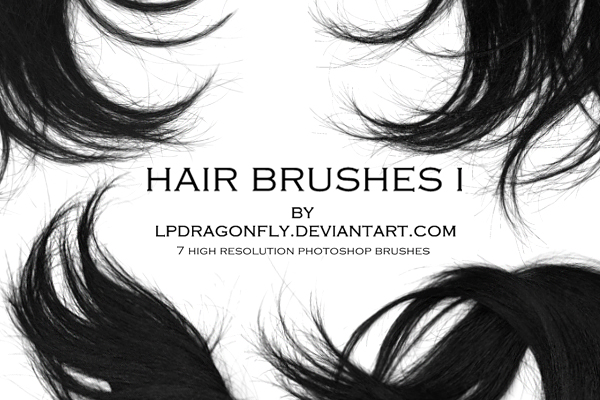
This hair brush set by Ivadesign features high-quality, realistic hair strand brushes for Photoshop. Perfect for portrait editing, fashion photography retouching, and creative photo manipulation, these brushes help add natural hair flow and fine details with ease in Photoshop. This free set contains 7 Hair Photoshop Brushes, that are perfect to use in your design. With highest resolution to enhance your artwork. Thanks to ivadesign for this awesome Brushes Pack!
File Info:
- Dimensions: 1000 pixel
- Available Format: .ABR files
- License: Free for personal and commercial use
- File Size: 3.3 MB
- Author: ivadesign
- Open & edit this file easily using Adobe Photoshop (Official)

Before click download that was external url. it goes to google drive find there download icon
Instructions:
How to install brushes (.abr files) :
-Put the (.abr) file you’ve downloaded into the folder
(on Windows)C:\Program Files\Adobe\Photoshop\Presets\Brush
(on Mac) /Users/{YOUR USERNAME}/Library/Application Support/Adobe/Adobe Photoshop ___/
-Then open your Adobe Photoshop, active brush tool, go to option palette and click on to open the brush preset picker.
(read more other ways to install)