


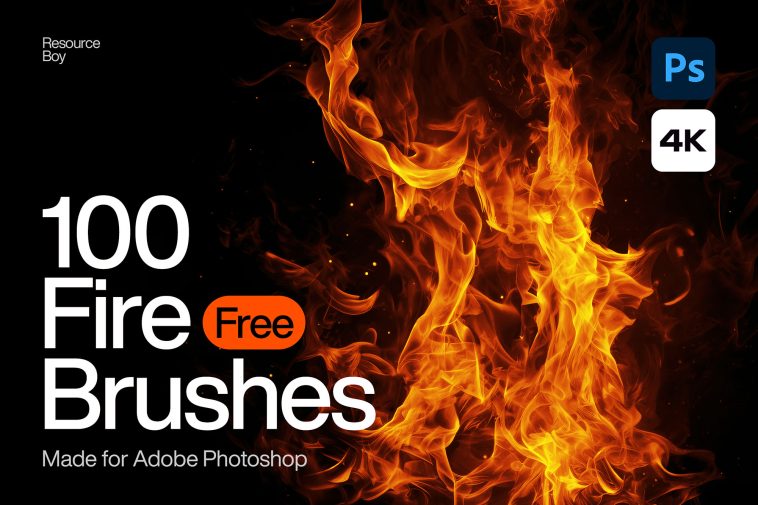
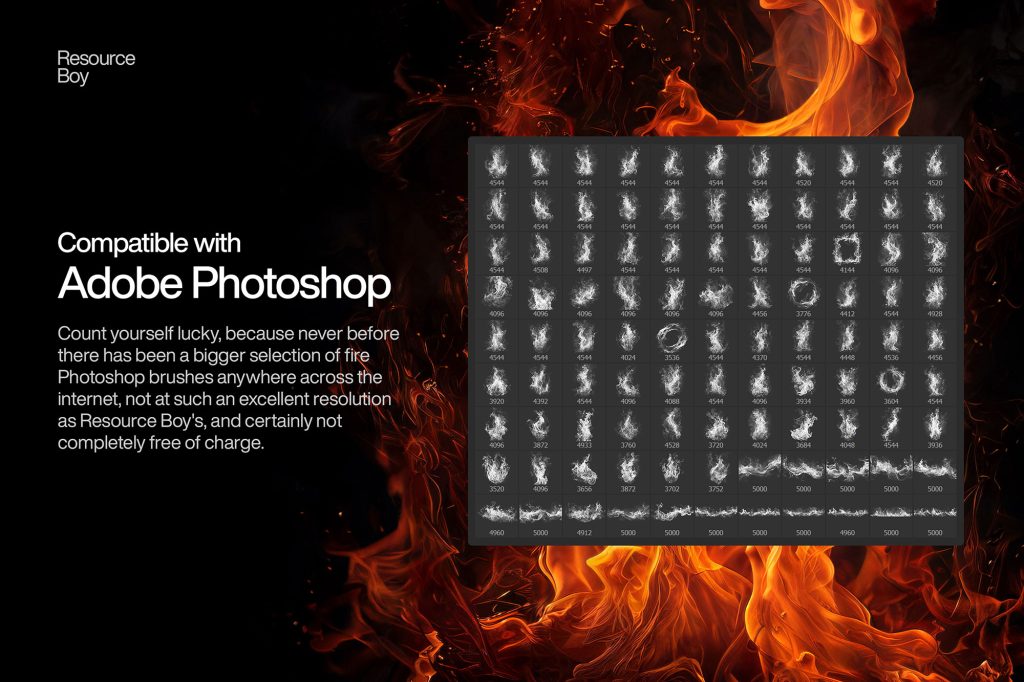
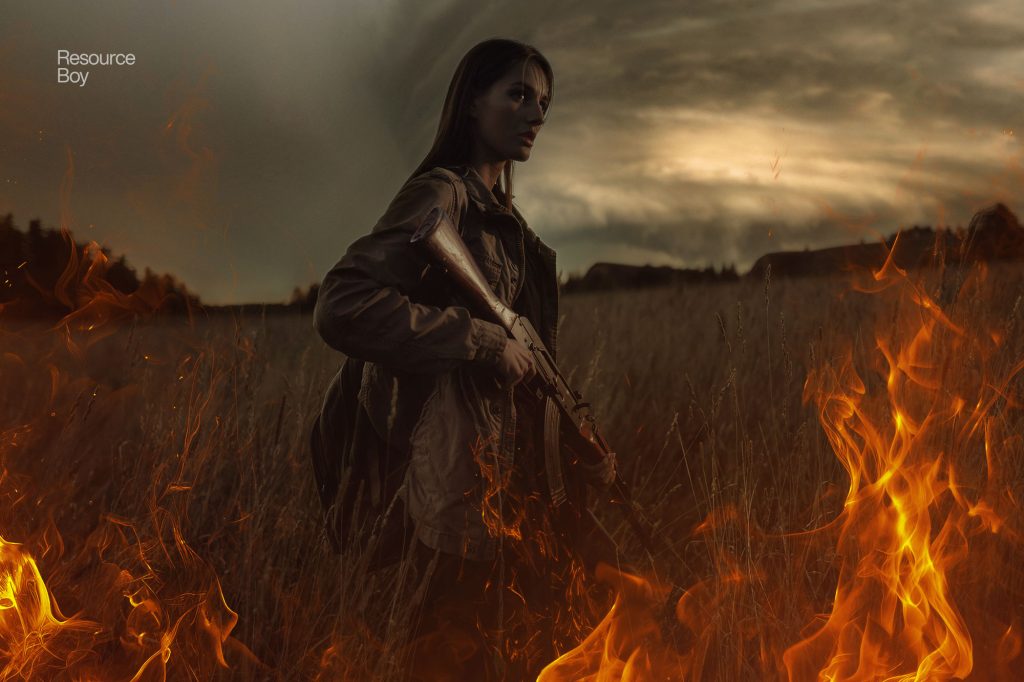
Create stunning flame effects with this 100 Fire Photoshop Brushes Free Download pack designed for digital artists, photo editors, and graphic designers. This collection includes a wide range of high-quality fire brushes that allow you to add realistic flames, sparks, and glowing fire effects to your artwork. The brushes are perfect for creating dramatic compositions, fantasy artwork, cinematic posters, gaming graphics, and creative photo manipulation projects. With detailed flame textures and smooth edges, these brushes help replicate the natural movement and glow of real fire inside Adobe Photoshop.
Realistic Fire Effect Photoshop Brushes Pack
This fire brush pack is compatible with modern Photoshop versions and is ideal for designers looking to add powerful visual effects to their work. You can easily adjust brush size, opacity, and blending modes to create custom flame effects for posters, banners, and digital illustrations. If you are exploring more creative resources, check our Free Photoshop Brush Packs, Smoke Brushes for Photoshop, and Light Effect Photoshop Brushes to enhance your design toolkit.
File Info:
- 10 brushes in set
- Category: Abstract, Fire
- Available Format: .ABR files
- Minimum PS Version: CS2
- License: Free for your personal and commercial uses
- File Size: 326 KB
- Download file type: abr file
- Source: Resourceboy
Open & edit this file easily using Adobe Photoshop (Official)
Instructions:
How to install brushes (.abr files) :
-Put the (.abr) file you’ve downloaded into the folder
(on Windows)C:\Program Files\Adobe\Photoshop\Presets\Brush
(on Mac) /Users/{YOUR USERNAME}/Library/Application Support/Adobe/Adobe Photoshop ___/
-Then open your Adobe Photoshop, active brush tool, go to option palette and click on to open the brush preset picker.
(read more other ways to install)