 AbduDzyn
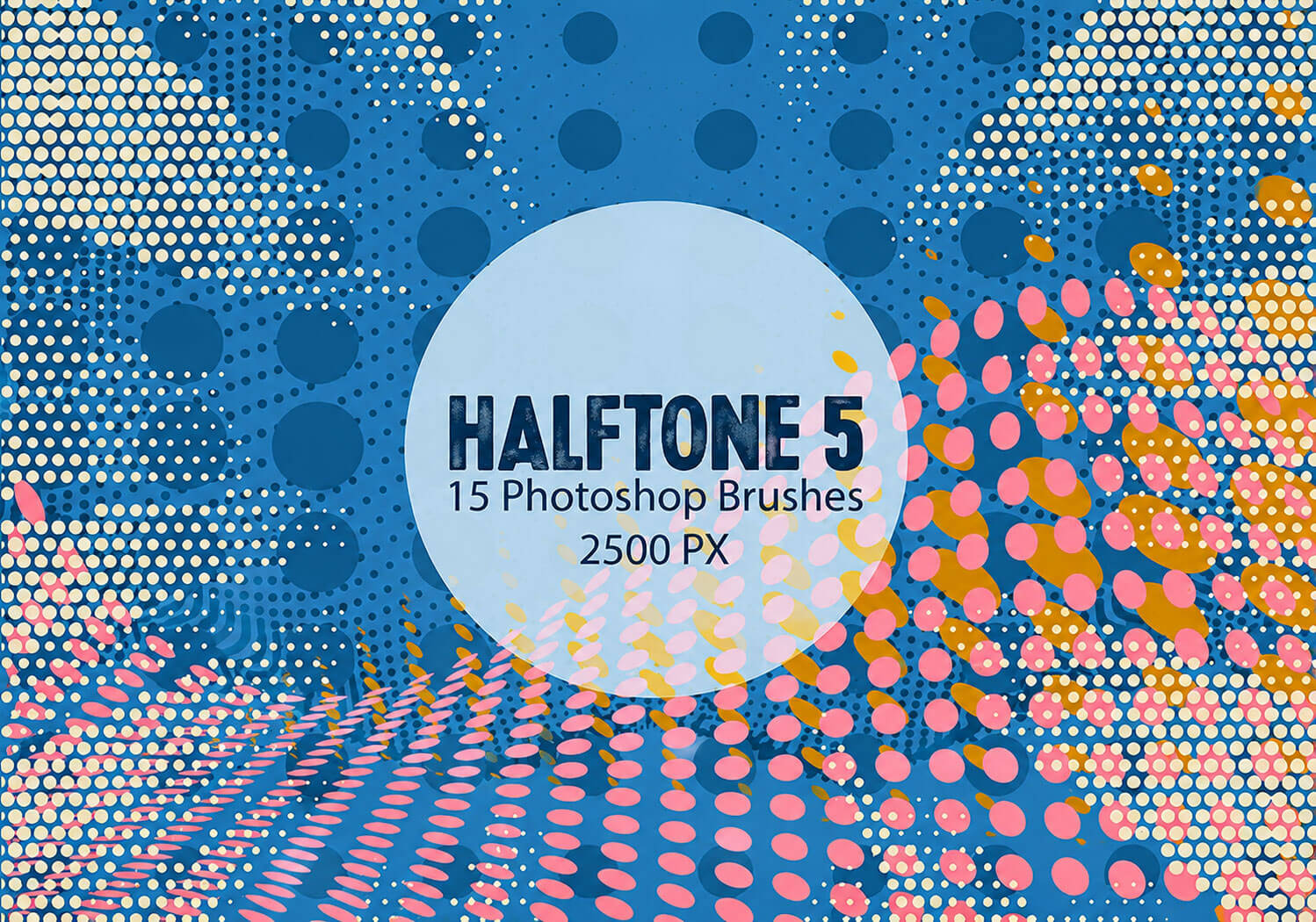
Pack contains Free 15 Halftone Dots Photoshop Brushes, 2500+ pixels size. Create professional visual effects for your art, illustrations or other projects in seconds.
Free Halftone Dot Photoshop Brushes — Retro, Comic & Screen Print Style
These halftone dot brushes for Photoshop let you add authentic print-inspired dot patterns to your designs instantly. Essential for retro graphic design, comic book art, pop art style, screen print preparation, and vintage poster aesthetics.
What’s included:
- Halftone dot brushes in ABR format
- Small, medium, and large dot size variations
- Circular dot pattern brushes
- Diagonal and horizontal dot arrangement brushes
- Dense and sparse dot density options
- Compatible with Photoshop CS4 and above
Creative uses:
- Comic book and graphic novel art — Ben-Day dot shading and coloring
- Pop art — Roy Lichtenstein style dot patterns
- Retro poster design — 1950s–70s graphic design aesthetic
- Screen print preparation — simulating halftone separation for screen printers
- T-shirt and merchandise design — vintage and streetwear aesthetics
- Zine and indie publication design
File Info:
- Size: 2500+ px
- 15 brushes in the set
- Category: Abstract
- Available Format: .ABR files
- Minimum PS Version: CS5
- License: Free for personal projects
- File Size: 4 MB
- Download file type: Zip
- To use these you needneed Adobe Photoshop (Official)
Instructions:
How to install brushes (.abr files) :
-Put the (.abr) file you’ve downloaded into the folder
(on Windows)C:\Program Files\Adobe\Photoshop\Presets\Brush
(on Mac) /Users/{YOUR USERNAME}/Library/Application Support/Adobe/Adobe Photoshop ___/
-Then open your Adobe Photoshop, active brush tool, go to option palette and click on to open the brush preset picker.
(read more other ways to install)
How to use halftone brushes for a retro effect:
- Create a new layer above your artwork set to “Multiply” blend mode
- Set brush color to black
- Use the halftone brush at 30–60% opacity
- Brush over the shadow and mid-tone areas of your design
- Reduce layer opacity to 50–80% to blend with the artwork below
- Add a slight yellow or sepia color tint for authentic vintage feel
Frequently Asked Questions
Can I create halftone effects without brushes in Photoshop? Yes. You can use Filter → Pixelate → Color Halftone for an automatic halftone effect. However, the brush approach gives you more control over placement and density.
How do screen printers use halftone dots? In screen printing, halftone dots simulate different shades of a color using one ink. Larger dots = darker areas, smaller dots = lighter areas. These brushes help designers preview what their design will look like after halftone separation.