


 AbduDzyn
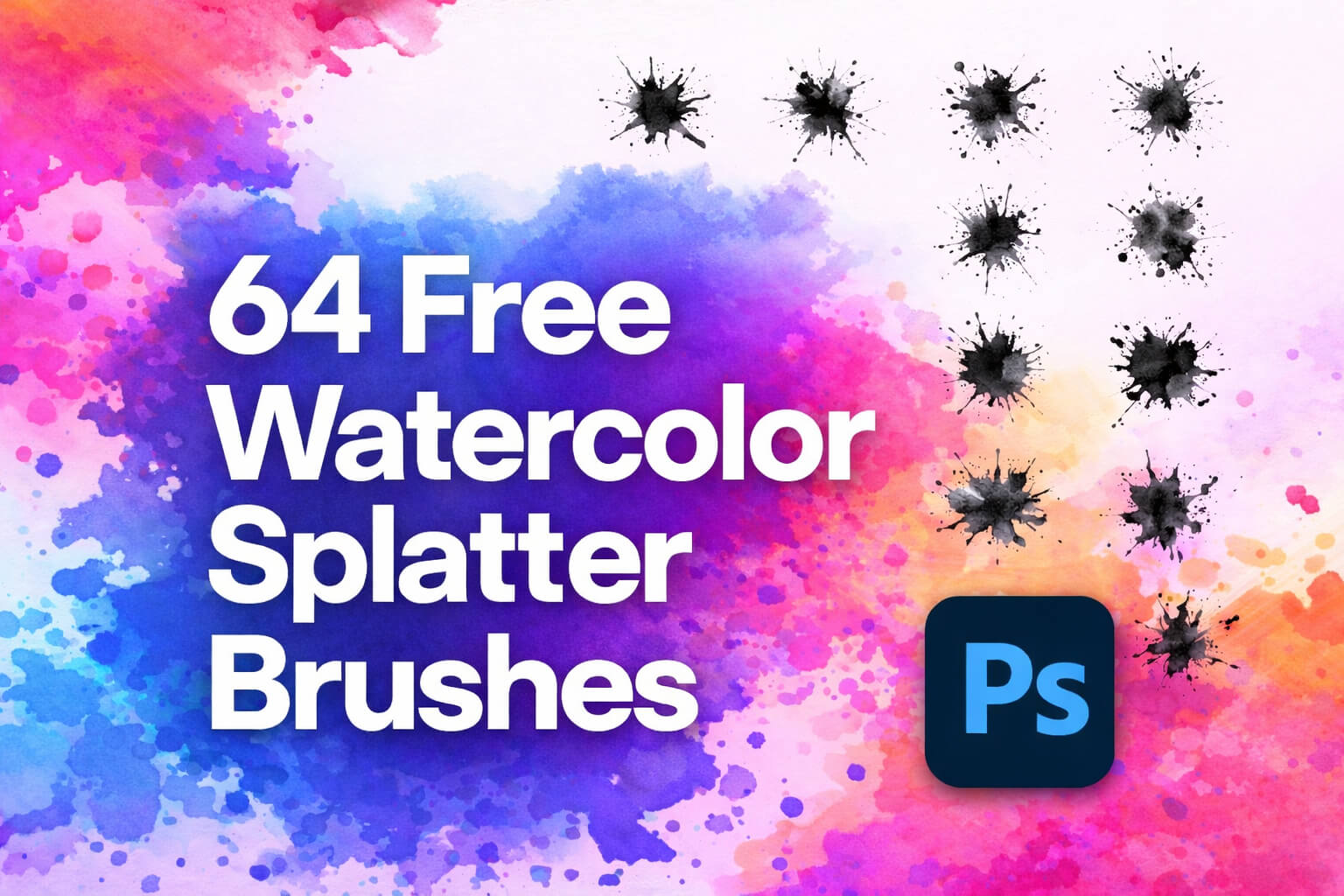
Enhance your creative projects with this 64 Free Watercolor Splatter Photoshop Brushes Download pack designed for graphic designers, illustrators, and digital artists. This brush collection includes a wide variety of realistic watercolor splash and splatter effects that help create artistic backgrounds, paint textures, and abstract compositions in Adobe Photoshop. Each brush captures the natural flow and organic edges of watercolor paint, making it perfect for posters, social media graphics, photo manipulation, digital paintings, and branding designs. Whether you are creating modern artwork, colorful banners, or textured design elements, these watercolor splatter brushes provide a quick and professional way to add vibrant paint effects.
Artistic Watercolor Splatter Photoshop Brushes Pack
These watercolor brushes are fully compatible with modern Photoshop versions and can be easily installed and used in your workflow. You can adjust brush size, opacity, and blending modes to achieve different watercolor styles. For more creative resources, explore our Free Photoshop Brush Packs, Ink Splatter Photoshop Brushes, and Watercolor Texture Backgrounds to expand your design toolkit.
File Info:
- 64 brushes in set
- Category: Abstract, Splatter, Colour
- Brushes Size:
- Available Format: .ABR files
- Minimum PS Version: CC
- License: free to use
- File Size: 194 MB
- Download file type: Zip
- Source: myphotoshopbrushes.com
- Author: unknow
- To Open & edit this file you need Adobe Photoshop (Official)
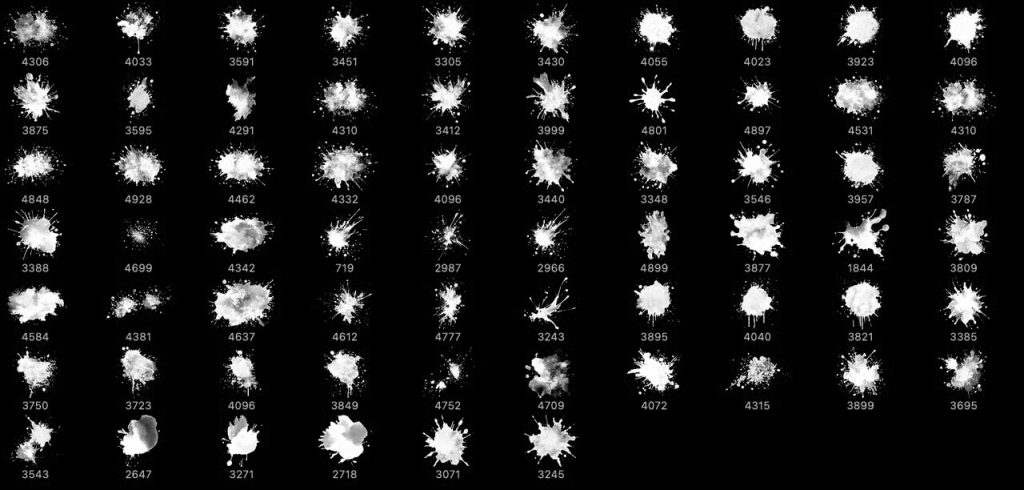
Instructions:
How to install brushes (.abr files) :
-Put the (.abr) file you’ve downloaded into the folder
(on Windows)C:\Program Files\Adobe\Photoshop\Presets\Brush
(on Mac) /Users/{YOUR USERNAME}/Library/Application Support/Adobe/Adobe Photoshop ___/
-Then open your Adobe Photoshop, active brush tool, go to option palette and click on to open the brush preset picker.
(read more other ways to install)