


 AbduDzyn
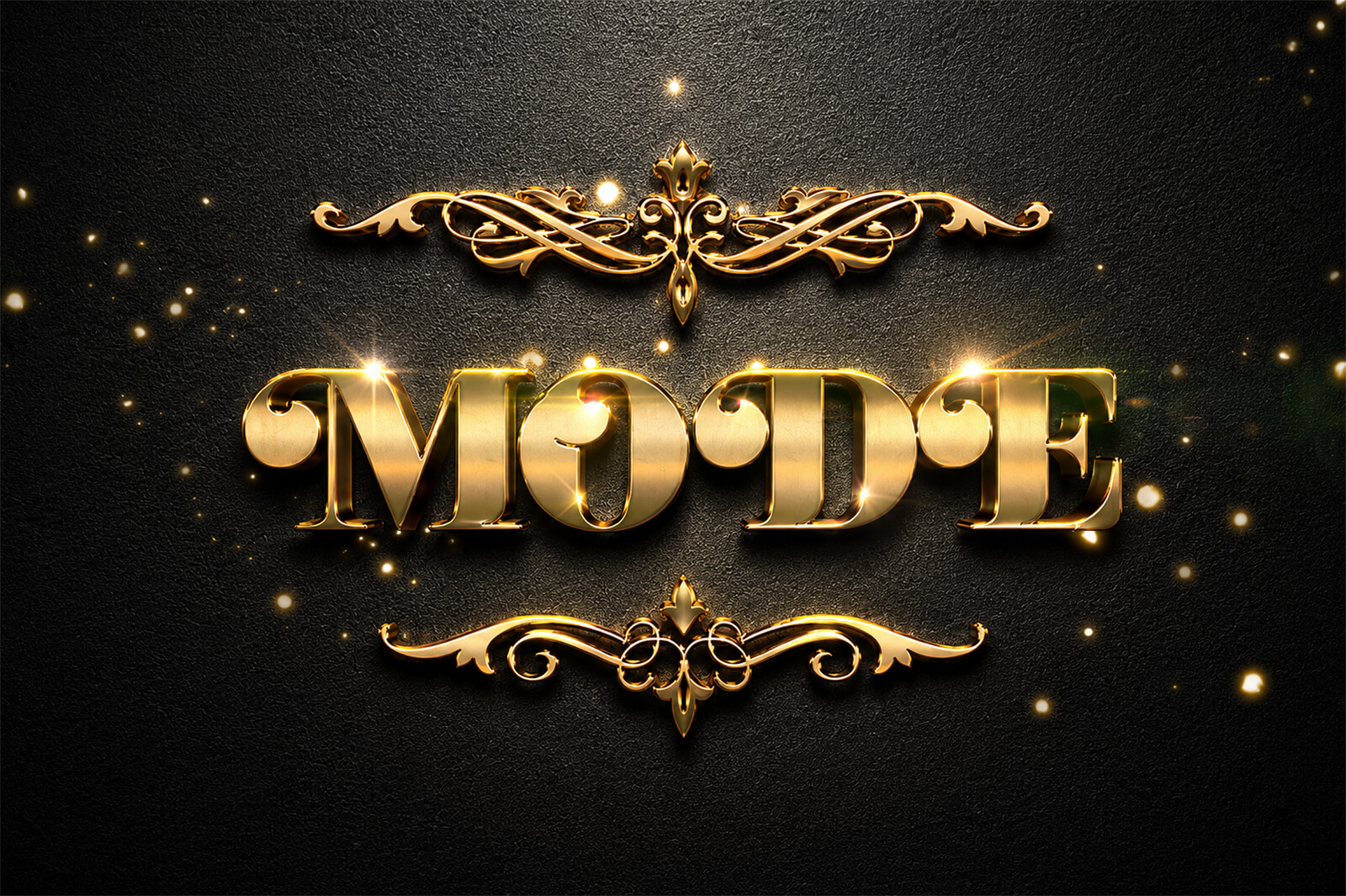
Gold text never goes out of style — but getting the look right in Photoshop without spending hours layering styles manually is another story. This Free Vintage Gold Glitter Text Effect PSD gives you a fully built, non-destructive gold metallic text treatment with vintage character and a glittering surface finish, ready to use on any text in under 60 seconds.
One smart layer. Any font. Any text. Pure gold.
What Makes This Gold Effect Special
Most free gold text effects online look flat — a basic gold gradient and nothing else. This vintage-style treatment layers multiple techniques to create genuine depth and richness: a warm aged gold base tone, a fine glitter particle overlay that catches the light, subtle inner shadow giving the letters physical weight, and an outer glow that creates that classic luxury-print look seen on premium invitations, book covers, and award certificates.
The “vintage” character comes from the warm amber-gold tone (not the cold yellow-gold of most free effects) and the slight texture variation across the letter surfaces — like real gold leaf applied by hand.
File Information
| Detail | Info |
|---|---|
| Format | Fully Layered PSD |
| Dimensions | 2000 x 2250 px |
| Effect Type | Smart Object — works with any text/font |
| Style | Vintage gold + glitter + metallic |
| License | Free — Personal & Commercial |
| Software | Adobe Photoshop CS6+ |
| File Szie | 11 MB |
| Shared by | 99Effects |
| Download | ZIP file |
To use these PSD files you need Adobe Photoshop
How to Apply to Your Own Text
- Open the PSD in Adobe Photoshop
- Double-click the smart object text layer
- Type your text in any font you choose
- Save and close — the gold effect applies instantly
- Adjust the size by scaling the smart object (hold Shift to constrain proportions)
- To change the background, simply swap out the background color layer
For best results, use a bold, heavy-weight font — the effect reads strongest on thick letterforms. Thin script fonts lose the glitter detail at small sizes.
Ideal Use Cases
This text effect is perfect for luxury brand logos and wordmarks, wedding invitation typography, book covers and editorial headings, social media gold quote graphics, YouTube thumbnail text, award and certificate design, and any project where “premium” is the brief.