


 AbduDzyn
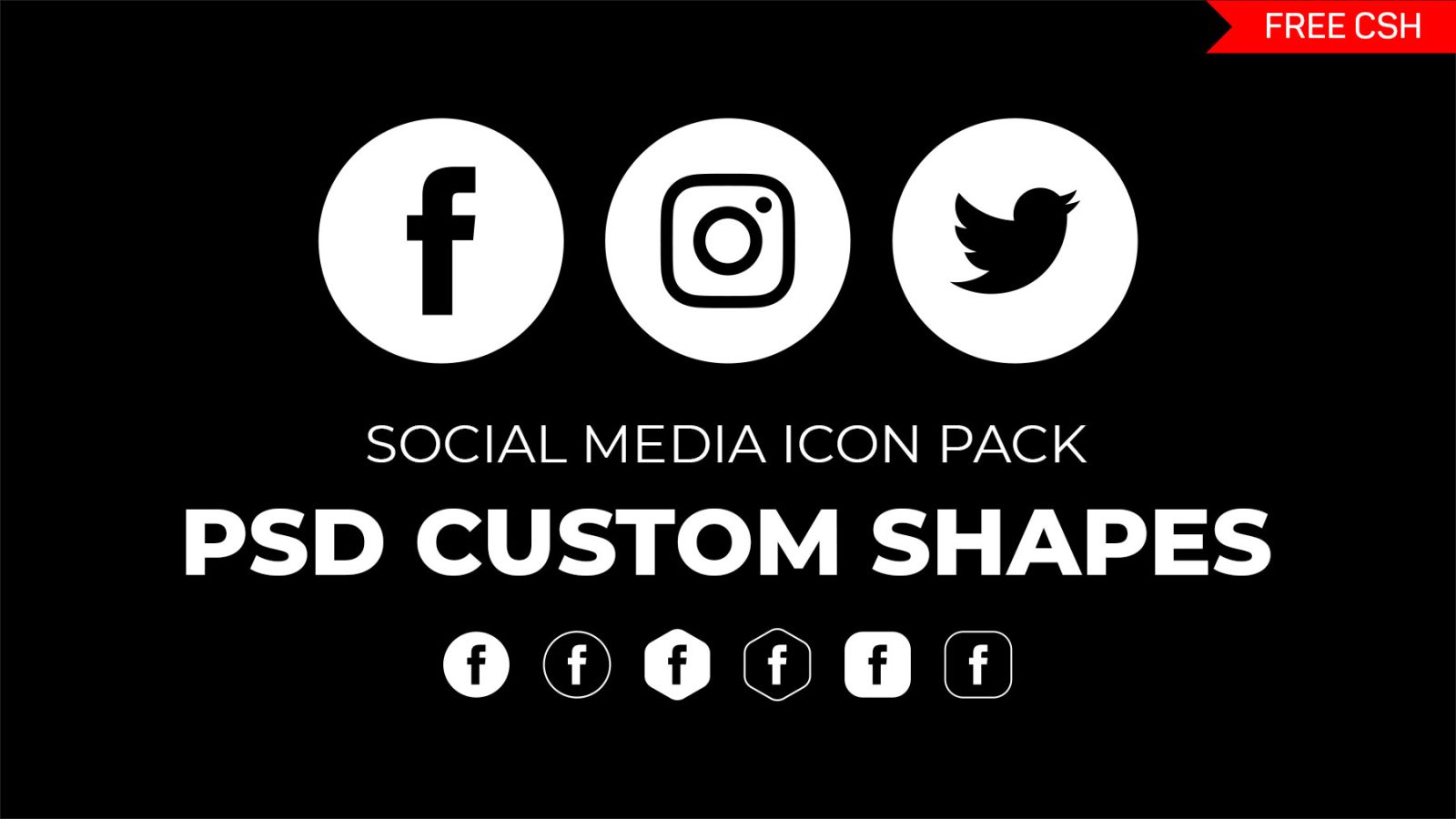
Today we have to share our new exclusive freebie resource for accelerate your work flow. 6 different shapes and style set of social media icons photoshop preset .csh file or costume shapes file. This pack have most popular basic social media icons silhouettes. With these shapes you can bright your creative design in your way. Check out Our New Social Medi Icons Shape
File Info:
- Category: Social Media
- Available Format: .CSH file
- File Size: 95 KB
- Download file type: Zip
- License: Free for personal and commercial use
- Author: PsFiles
- To use these PSD files you need Adobe Photoshop

Free Social Media Icons Photoshop Custom Shapes — 6 Complete Style Sets
This collection gives you social media icons as fully scalable Photoshop custom shapes — not rasterized images that pixelate, but clean vector CSH shapes you can resize to any dimension without quality loss.
What’s included:
- 6 different style sets of social media icon shapes
- Platforms covered: Instagram, Facebook, X (Twitter), TikTok, YouTube, LinkedIn, Pinterest, Snapchat, WhatsApp
- Solid fill, outline, rounded square, circle, and badge variations
- 100% vector — CSH format, scales to any size perfectly
- Compatible with Photoshop CS3 and above
Style sets included:
- Solid flat icons — clean, modern minimal style
- Circle badge icons — perfect for profile headers and business cards
- Rounded square icons — app icon style
- Outline/line icons — light, elegant style
- 3D glossy icons — skeuomorphic style
- Color gradient icons — vibrant branded colors
Instructions:
How to install custom shapes (.chs files) :
-Put the (.chs) file you’ve downloaded into the folder
(on Windows)C:\Program Files\Adobe\Photoshop\Presets\Custom Shapes
(on Mac) /Users/{YOUR USERNAME}/Library/Application Support/Adobe/Adobe Photoshop ___/
-Then open your Adobe Photoshop, active shapes tool, go to option palette and click on to open the custom shapes preset
(read more other ways to install)
Where designers use these icons:
- Email signature design — social links in footer
- Business card and stationery design
- Website footer and about page graphics
- Presentation and pitch deck design
- Social media bio graphics
- Print marketing materials
Frequently Asked Questions
Are these icons updated to include TikTok and the new X (Twitter) logo? Check the download contents — if your version predates 2022, the X/TikTok logos may use older branding. We recommend downloading the latest version of official brand assets for client work from each platform’s brand kit page.
How do I use custom shapes in Photoshop? Select the Custom Shape Tool (press U), load the CSH file via the shape picker menu, choose your icon, and drag to draw. Hold Shift to maintain proportions.