


 AbduDzyn
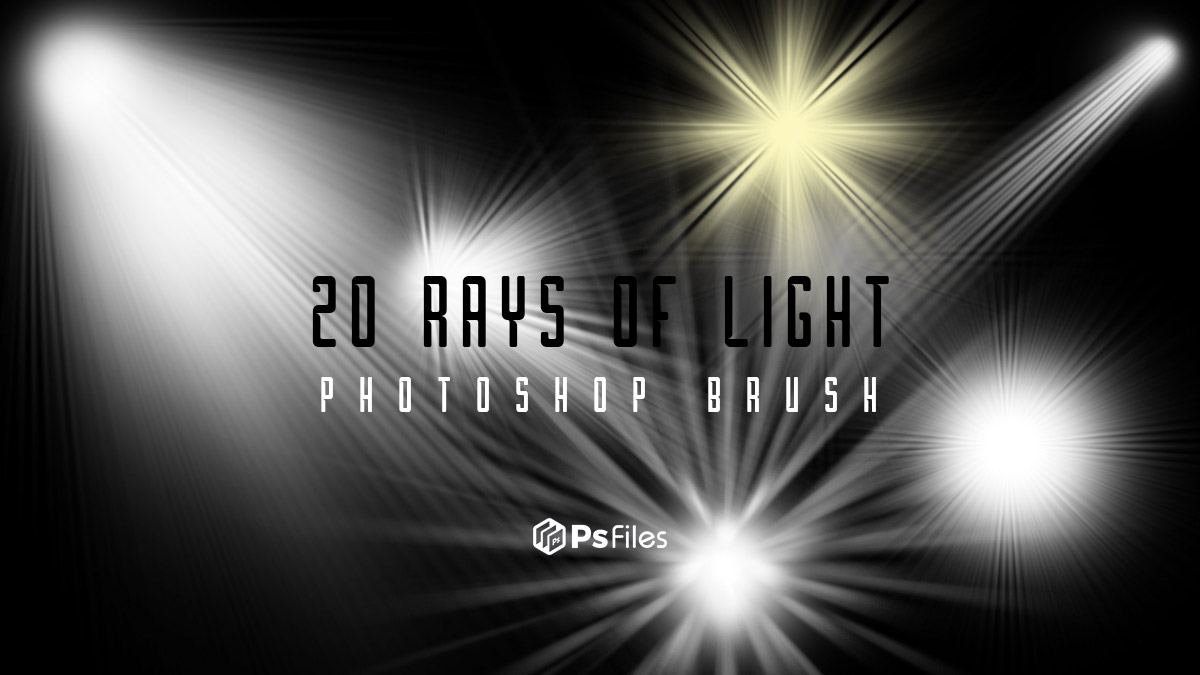
Download high quality 20 rays of light brushes in all, including sunbursts, rays of light and slanting beams of light.
20 Free Rays of Light Photoshop Brushes — Sun Beams & Volumetric Light
These 20 light ray brushes let you add dramatic sunbeams, atmospheric god rays, and volumetric light shafts to any photo or digital artwork in seconds — effects that typically require complex masking and filter work to achieve manually.
What’s included:
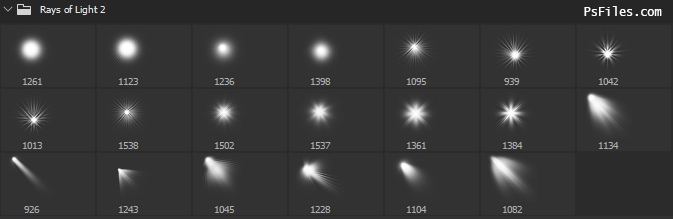
- 20 light ray brushes in ABR format
- Sun beam brushes — radiating from a single point
- God ray (crepuscular ray) brushes — atmospheric forest and sky light
- Volumetric light shaft brushes — dramatic interior and exterior rays
- Soft diffuse glow brushes — hazy ambient light
- Compatible with Photoshop CS4 and above
File Info:
- Category: Spot Light
- Brushes Size: 1500 – 1000 px
- License: Free for personal use
- File Size: 9.16 MB
- Author:
- Download file type: Zip
Open & edit this file easily using Adobe Photoshop (Official)
How to use light ray brushes:
- Install the ABR file into Photoshop
- Create a new layer above your photo
- Set the layer blend mode to Screen (for natural look) or Linear Dodge (for intense effect)
- Set brush color to white or soft warm yellow (
#FFF5CC) - Reduce opacity to 30–60% for realism
- Click at the light source point and brush outward in the direction of rays
- Apply Filter → Blur → Gaussian Blur (5–15px) for softness
Instructions:
How to install brushes (.abr files) :
-Put the (.abr) file you’ve downloaded into the folder
(on Windows)C:\Program Files\Adobe\Photoshop\Presets\Brush
(on Mac) /Users/{YOUR USERNAME}/Library/Application Support/Adobe/Adobe Photoshop ___/
-Then open your Adobe Photoshop, active brush tool, go to option palette and click on to open the brush preset picker.
(read more other ways to install)
Perfect for: Forest and nature photography, church interior photography, product photography with dramatic lighting, fantasy and sci-fi composites, inspirational quote graphics, spiritual and wellness brand visuals.
Frequently Asked Questions
What is the difference between sun beams and god rays? Sun beams radiate from a single bright point (like the sun peeking over a horizon). God rays (crepuscular rays) are the parallel shafts of light that appear when sunlight filters through clouds, trees, or dust — they appear to radiate from a single point due to perspective.
How do I make light rays look more realistic? After brushing your rays, apply a Gaussian Blur and reduce the layer opacity. Add a slight warm color tint using Image → Adjustments → Color Balance set to warm highlights. Mask the layer edges so rays fade naturally.