


 AbduDzyn
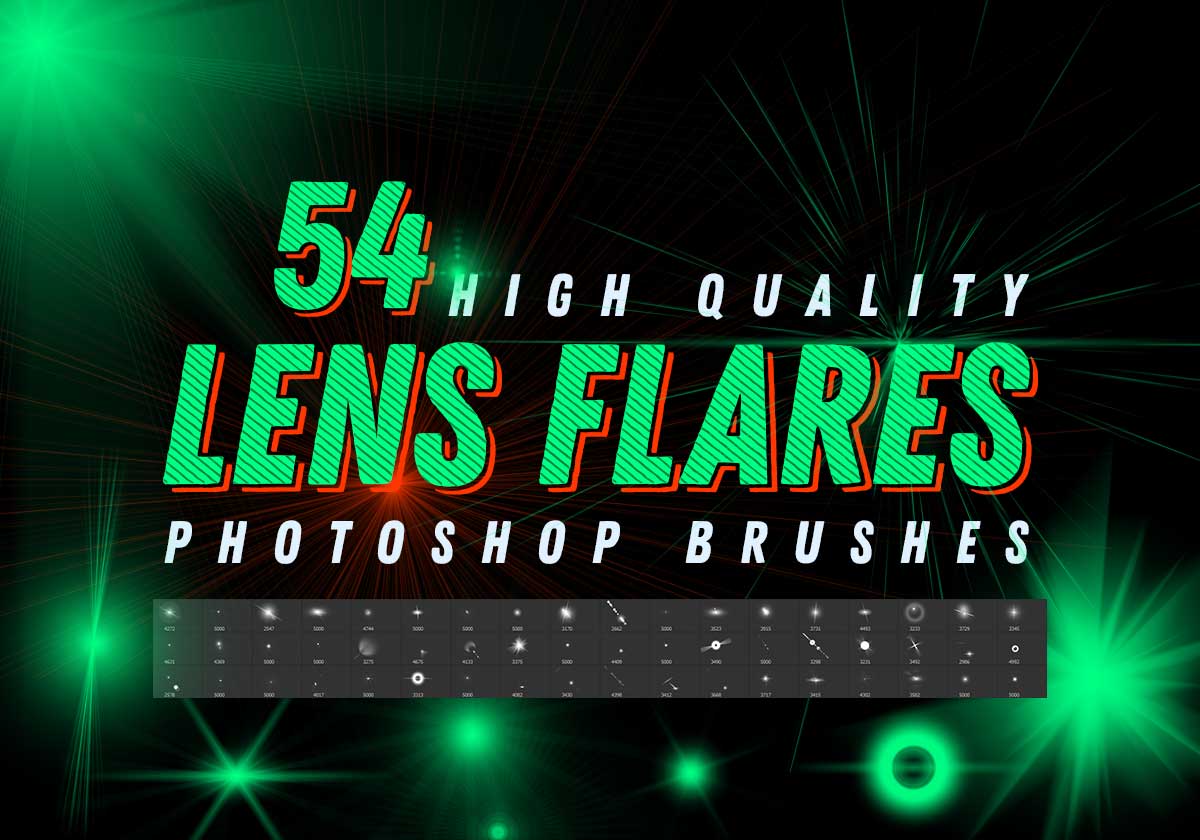
This free photoshop abr brushes set 1 pack contains 54 high-quality lens optical flares and stars brushes, 2700+ pixels size. Create professional visual effects in seconds!
The size of the file is high so drag and drop may not be work. To add the .abr file brush Edit>Preset>open preset manager then load it.
File Info:
- 54 brushes in the set
- Category: Lens Flare, Sun Light
- Brushes Size: 2700 – 5000 px
- Available Format: .ABR files
- File Size: 93 MB
- Made by: Igor Vitkovskiy
- Shared by: hnadopts
- License: Free for personal and commercial use
- Download file type: Zip
- Open & edit this file easily using Adobe Photoshop (Official)
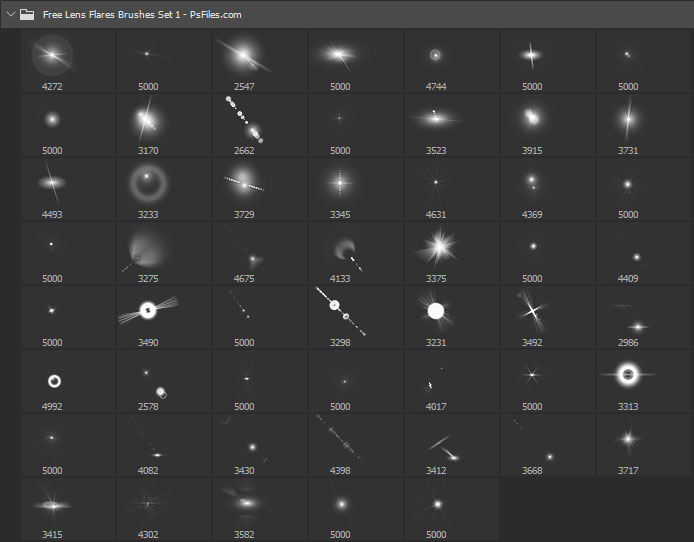
54 Free Lens Flare Photoshop Brushes — Vol. 1
A dedicated collection of 54 realistic lens flare brushes for Photoshop, covering every major flare style used in photography and digital art — from classic circular optical flares to cinematic anamorphic streaks and hexagonal aperture shapes.
What’s included:
- 54 lens flare brushes in ABR format
- Circular optical flare brushes (small, medium, large)
- Anamorphic horizontal streak flares (cinematic style)
- Aperture blade flare brushes (hexagonal and octagonal)
- Sun star burst brushes
- Bokeh ring and halo brushes
- Compatible with Photoshop CS4 and above
How to get the best lens flare effects:
- Place your flare brush on a separate layer above your photo
- Set the layer blend mode to “Screen” or “Linear Dodge (Add)”
- Use white or light warm yellow as your brush color
- Reduce opacity to 50–80% for realism
- Position the flare at a light source point in your image (sun, lamp, window)
- For anamorphic streaks, use Transform (Ctrl+T) to stretch horizontally
Perfect for: Product photography, landscape retouching, wedding photography editing, cinematic photo composites, movie poster design, sci-fi artwork, and outdoor portrait enhancement.
Instructions:
How to install brushes (.abr files) :
-Put the (.abr) file you’ve downloaded into the folder
(on Windows)C:\Program Files\Adobe\Photoshop\Presets\Brush
(on Mac) /Users/{YOUR USERNAME}/Library/Application Support/Adobe/Adobe Photoshop ___/
-Then open your Adobe Photoshop, active brush tool, go to option palette and click on to open the brush preset picker.
(read more other ways to install)
Frequently Asked Questions
What is the difference between optical and anamorphic lens flares? Optical flares are circular halos and light rings caused by internal lens reflections. Anamorphic flares are the horizontal blue streaks seen in cinema camera footage — they give a dramatic, movie-like quality to images.
Can I resize these brushes in Photoshop? Yes. Use the [ and ] keys to decrease and increase brush size, or adjust the size slider in the brush options bar at the top.